Product updates
We Are deploying new features and improvements continuously. Here's an overview of our latest product updates.
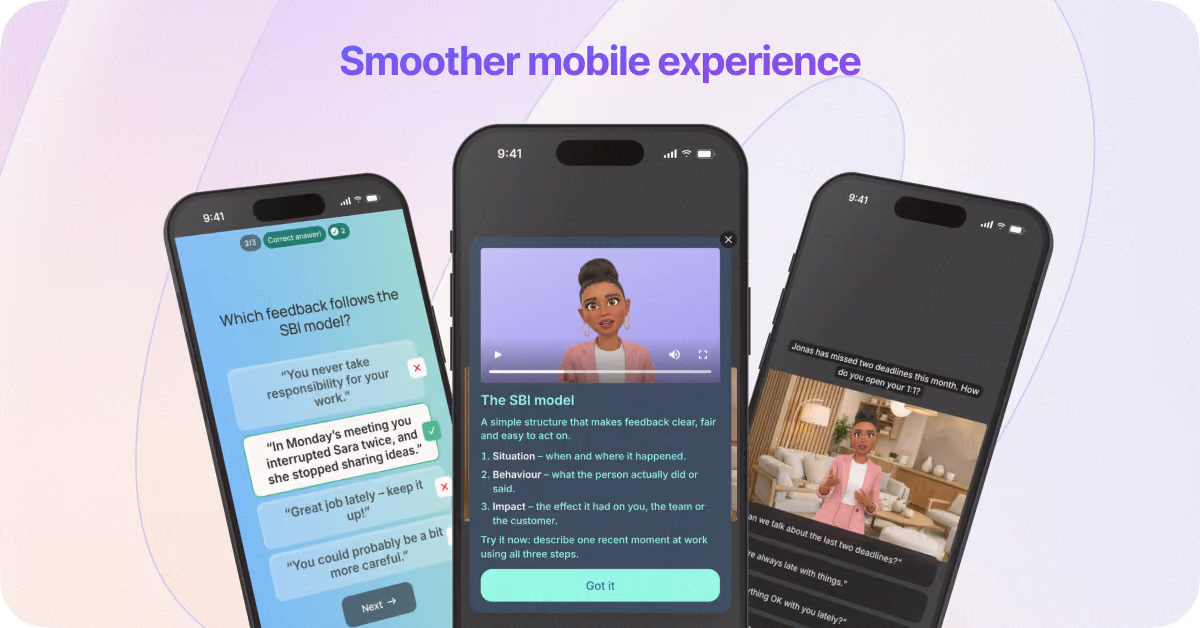
Introduce a smoother mobile experience for your learners
Learners can now play and pause while keeping the scene in full view, easily access navigation controls and the menu, and enjoy clearer captions in portrait mode.A few thoughtful improvements that make learning on smaller screens feel a whole lot better.
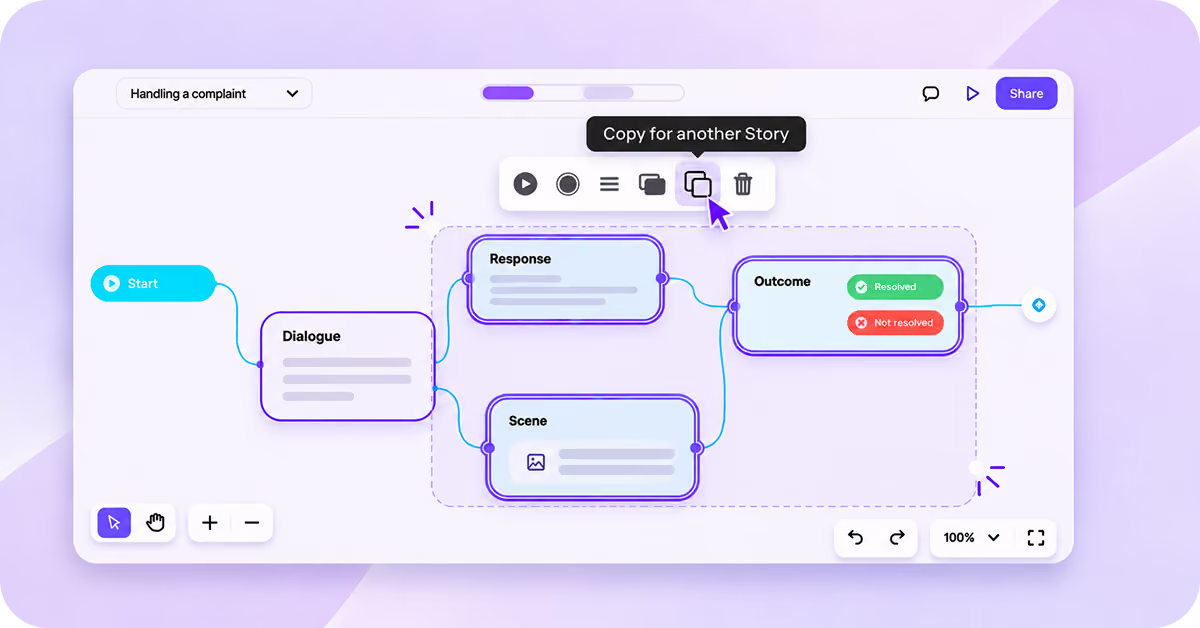
Copy and paste nodes between Stories
Save time by reusing what you’ve already created! Simply copy one or several nodes and paste them anywhere on the same Node Map or into another Story in your workspace.Where will you paste your nodes?
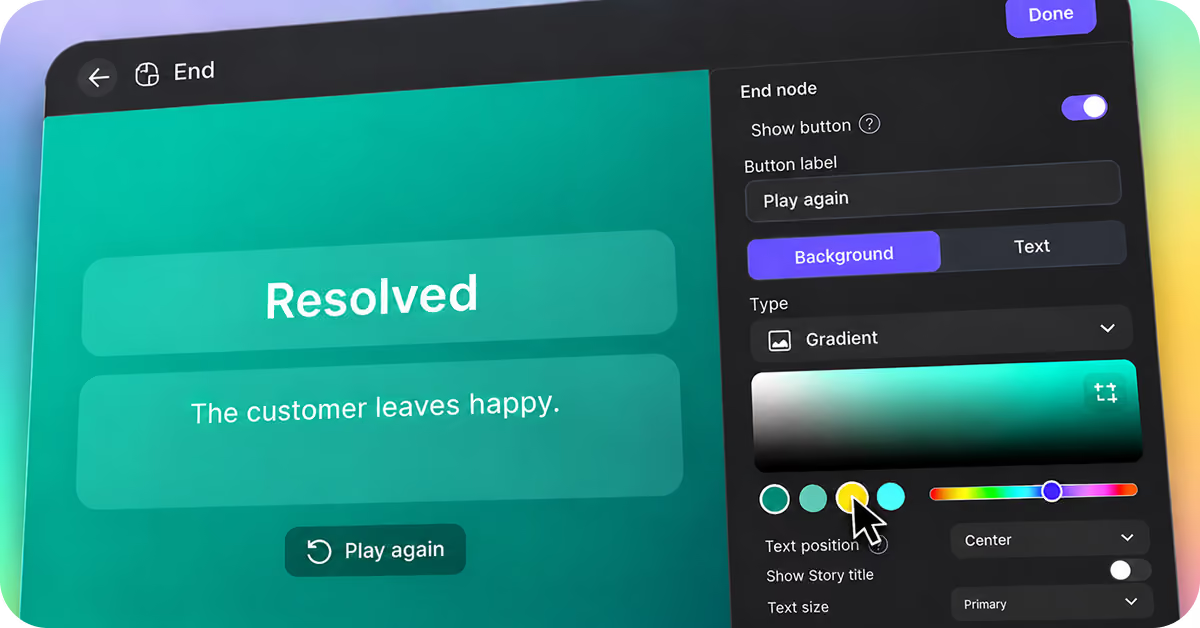
Design the end of your Story
The end node, the last stepping stone in your Story, now opens in a full-screen editor, with a live preview next to its settings.Choose a background color or gradient, and other options like: enable a success or fail result or a “Play again” message for learners — with your own text and colors.
Enhance how every voice sounds
A little whisper, a nervous laugh, or an excited shout? With our new voice enhancer, you can add emotion, personality, and realism to your dialogue and narration using audio tags!
Not sure which tags fit the moment? Just click Enhance and let AI suggest a few for you.
Available in the Node Map and AI Studio, so you can fine-tune every line, from dialogue to presenter videos.

Mix and match new formats with your text-based content in pages
You can now have learners flip cards to reveal information, swipe through images, or compare visuals side by side.
Mix and match these new formats with text, images, videos, and more in pages to turn your content into richer, more engaging learning experiences.

Make your Stories easier to navigate for everyone
Learners can now use the keyboard to fully move through and play Stories.
Plus, we've improved keyboard and screen-reader accessibility across Pages, quizzes, and Studio.
Small improvements toward a more inclusive learning experience for everyone. 💜

Access your media, right where you need it
With your new media library in We Are, you can find, preview, and reuse your images, videos, and other media without interrupting your creative flow.
Access it from your dashboard or directly while building dialogue, quizzes, pages, posters, and more. It's even available in AI Studio.

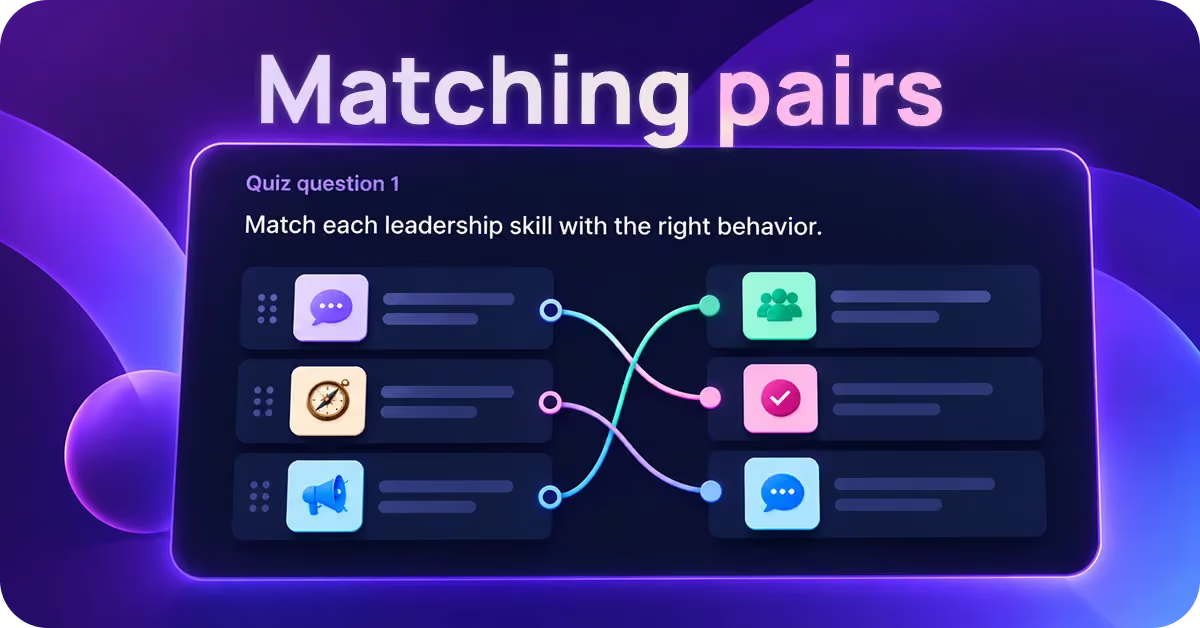
Challenge learners to make the right connections by matching pairs
Let learners connect related concepts, terms, or images by finding correct pairs with “Matching pairs”, the latest question type for your quizzes in We Are.
Answers will be auto-shuffled!
Translate your AI Studio videos in one click
Creating videos in multiple languages just got easier. Translate your presenter scripts directly in AI Studio's script editor, making it easier to create talking-avatar videos for different audiences.

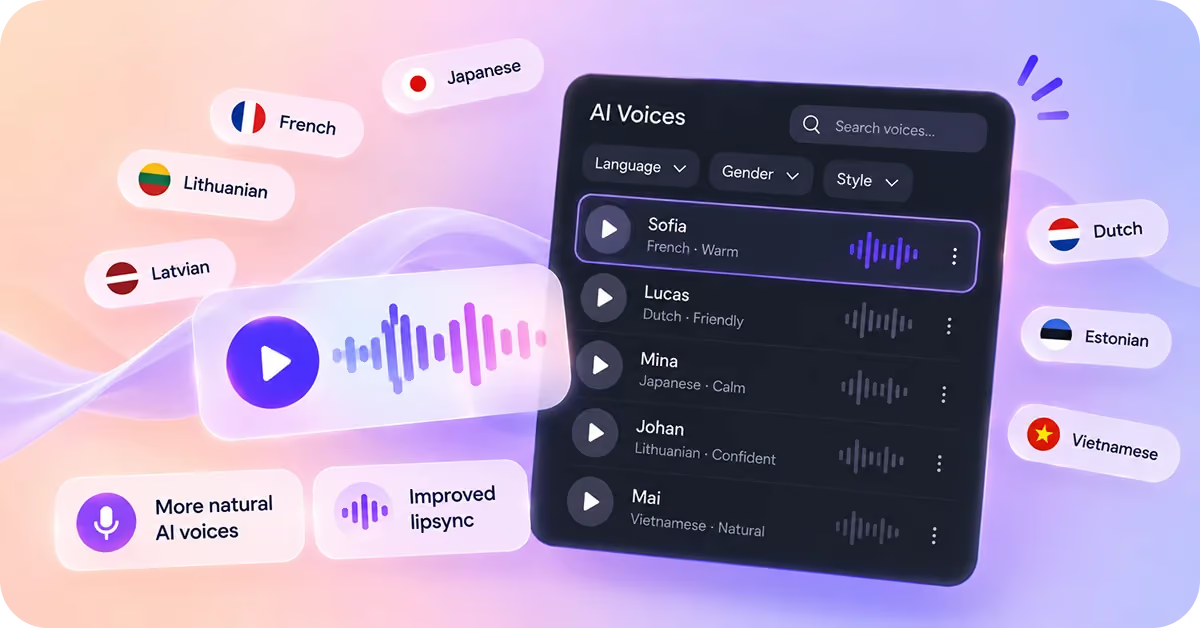
Enjoy more natural AI voices, plus 30+ more options for your Characters
Your Characters just got a voice upgrade! With the latest ElevenLabs voice model, enjoy more natural, expressive dialogue that brings your Stories to life.
Plus, explore 30+ new voices across Dutch, French, Lithuanian, Latvian, Estonian, Japanese, and Vietnamese.
Add voiceover, visual tweaks, and a dash of fun to hotspots
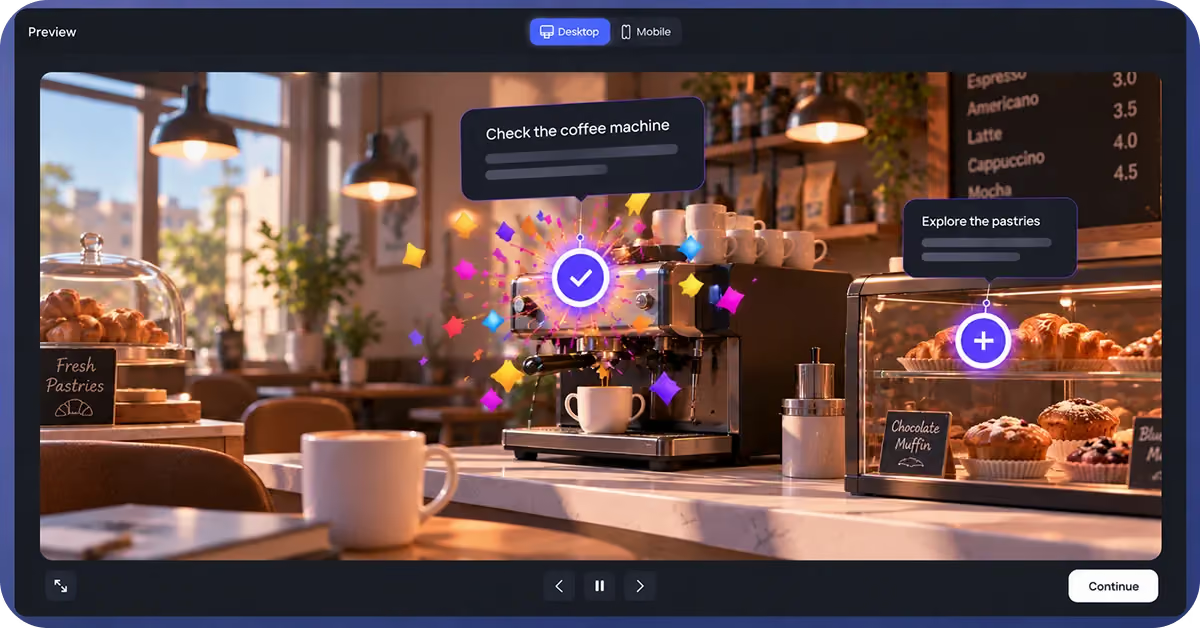
Give learners more to explore! Hotspots can now read text aloud automatically, trigger fun effects like confetti when clicked, and let you adjust the checkmark size on visited hotspots.
More ways to bring your interactive experiences to life!
Build your own interactive learning activities with the code node
The sky's the limit! Got an idea beyond our existing nodes? Add your own interactive content to any Story… from sorting games and calculators to mini simulations and more.
No coding needed. Use AI and our ready-made instructions to create what you need, then upload it to We Are and make it your own.

Have more control over your training scripts — powered by AI
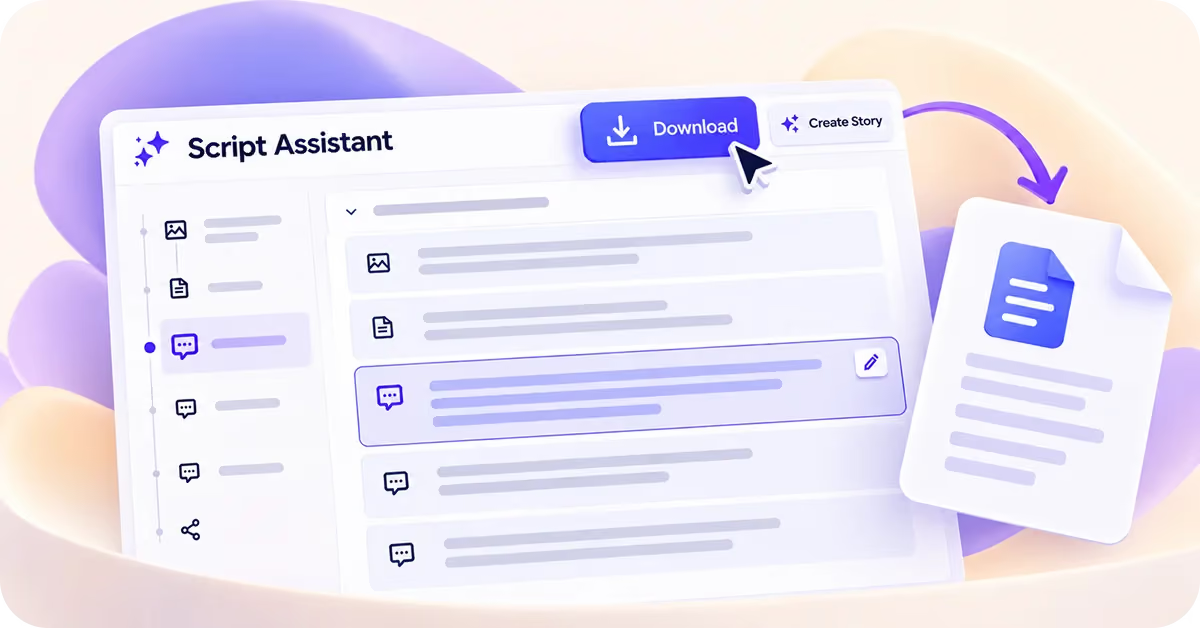
Your scripts, your way! You can now edit events directly in Script Assistant before turning them into nodes, giving you more control over your Story from the start.
Plus, download your scripts as Word documents to review, share, or keep for later.
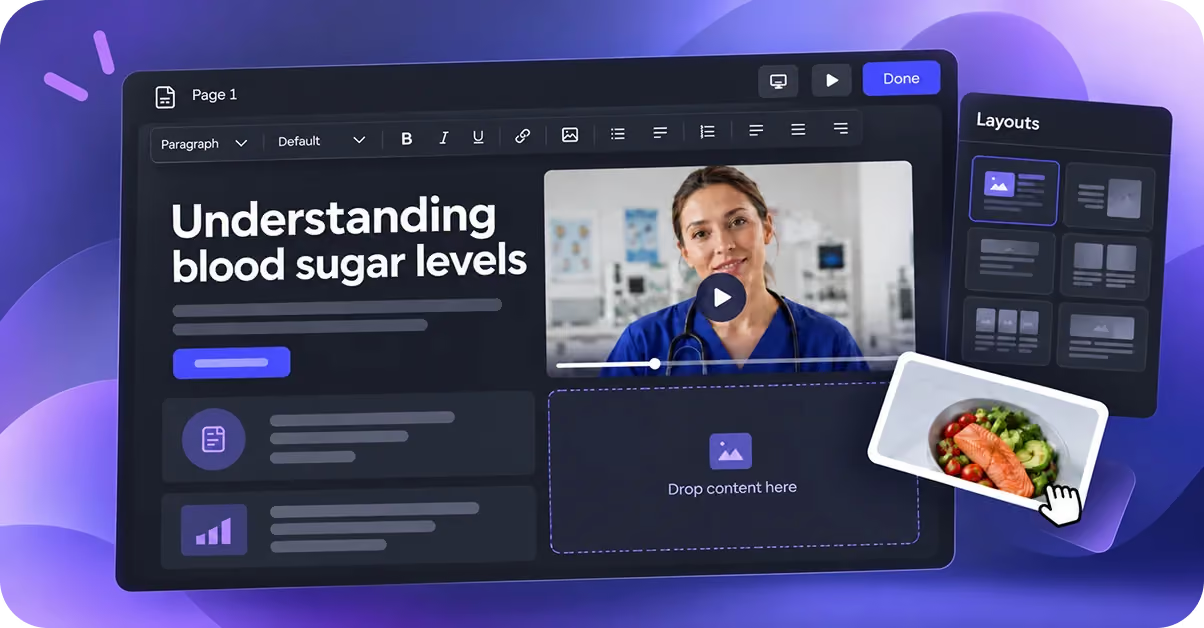
Create flexible, scrollable content with the page node
There’s a new page in our Story. 👀 Mix text, images, videos, buttons, and more into rich, scrollable web-style pages. Choose from different layouts, then drag, drop, arrange, and customize your content to make each page your own.
Add a page node (or several!) to any Story.
Create polished hotspots faster
Select multiple hotspots to align, space, or layer them in one go, while smart guides and snapping help get everything into place. Even busy canvases are easier to work with, and image, color, or gradient backgrounds give you more freedom to make them look the part.

Guide learners through hotspots
Make it clearer what to explore and what comes next. Show instructions as learners arrive, reveal hotspots one at a time, show what they’ve already visited, or move them on automatically when they’re done.
And with new positions and animations for hotspot pop-ups, each click can have a little more impact.

Meet our latest Swedish voices
Say hej to 9 new Swedish voices in We Are! Choose from 5 new female and 4 new male voices to find the right fit for your Characters and Stories.
More ways to make your Swedish content sound just right. 🎙️
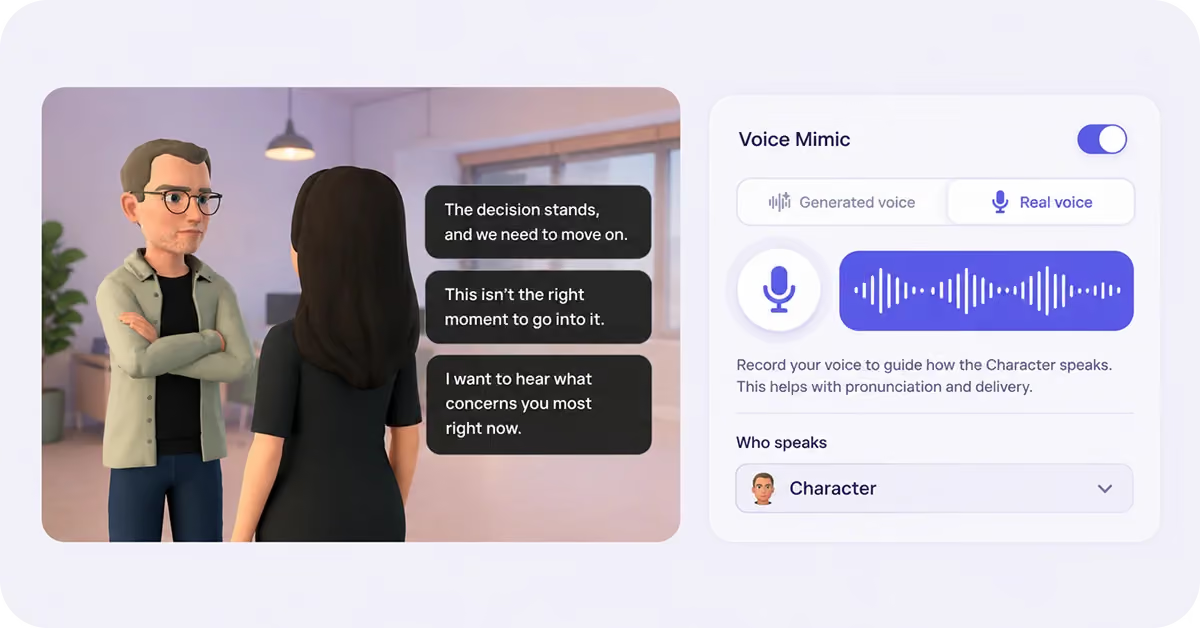
Get pronunciation just right in any response
Voice mimic is now available in response nodes! Record yourself saying the response to guide how your Character speaks — giving you more control over pronunciation and how each answer option sounds in your Stories.
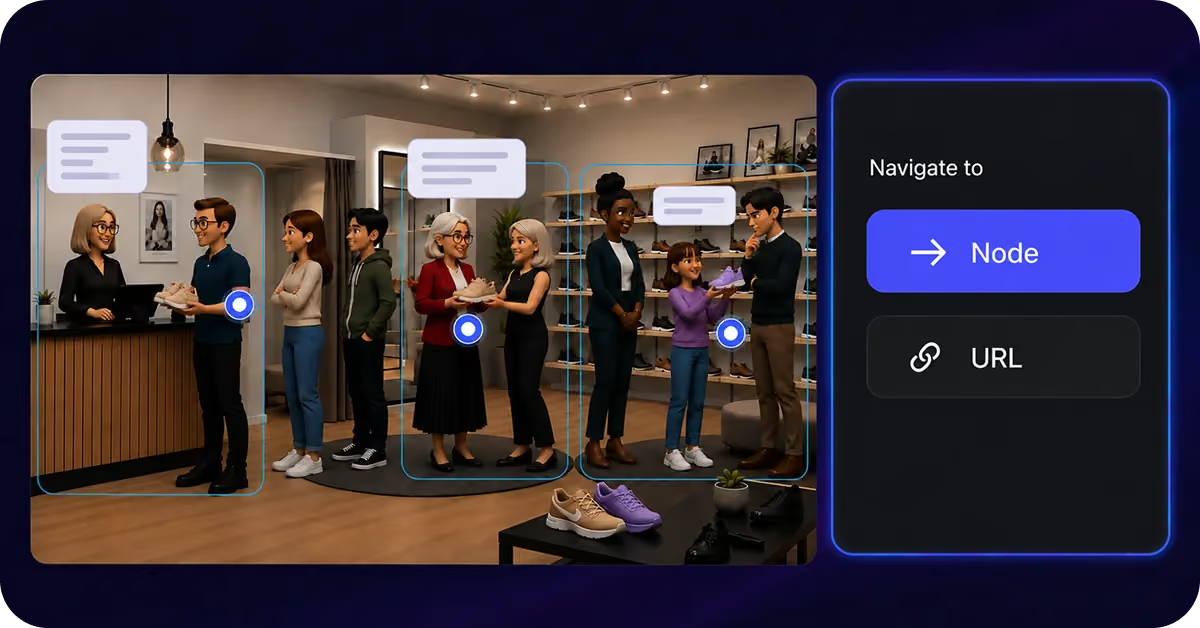
Build branching experiences with hotspots
Hotspots have leveled up. You can now use hotspots to take learners to another node, opening up more ways to create branching scenarios and interactive navigation in your Stories.
You can now also make a Hotspot disappear once it’s been clicked!
Create talking avatar videos using We Are Characters and backgrounds
AI Studio just got more flexible! Choose a Character and location, adjust their position to set up your shot, and generate your video. Or, start by uploading any image of a person or an illustration. Take your pick.

Build with
Created by learning designers for learning designers.
Create learning that is anything but boring
Roleplay
Branching scenarios
3D characters
Upload PPT, PDF, DOCs
Quizzes
Hotspots
SOC2
Multiple languages
Branding and customization
AI video
SCORM
LMS
URL
Embed
Image to video
Talking avatars
Prompt AI assistant
Write your script