SCORM
For the LMS you already run.
You bring the expertise. Start with a prompt or your existing PPTs, PDFs, and docs, and AI drafts an interactive course in minutes. You shape the rest.










































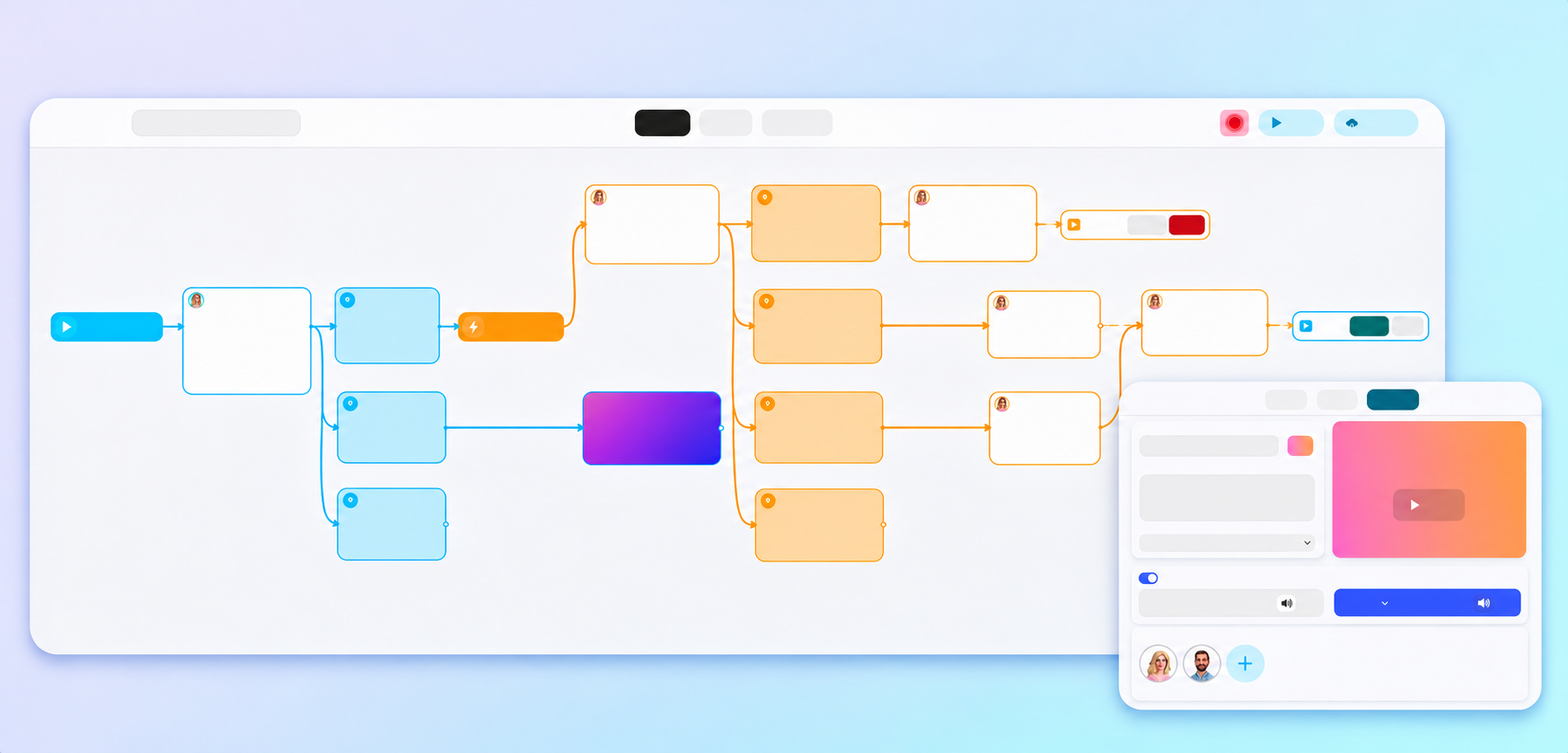
Scenes, branches, and story structure on one canvas. Move a scene, split a path, fix a line, without rebuilding the course.
Scenes, branches, and story structure on one canvas. Move a scene, split a path, fix a line, without rebuilding the course.
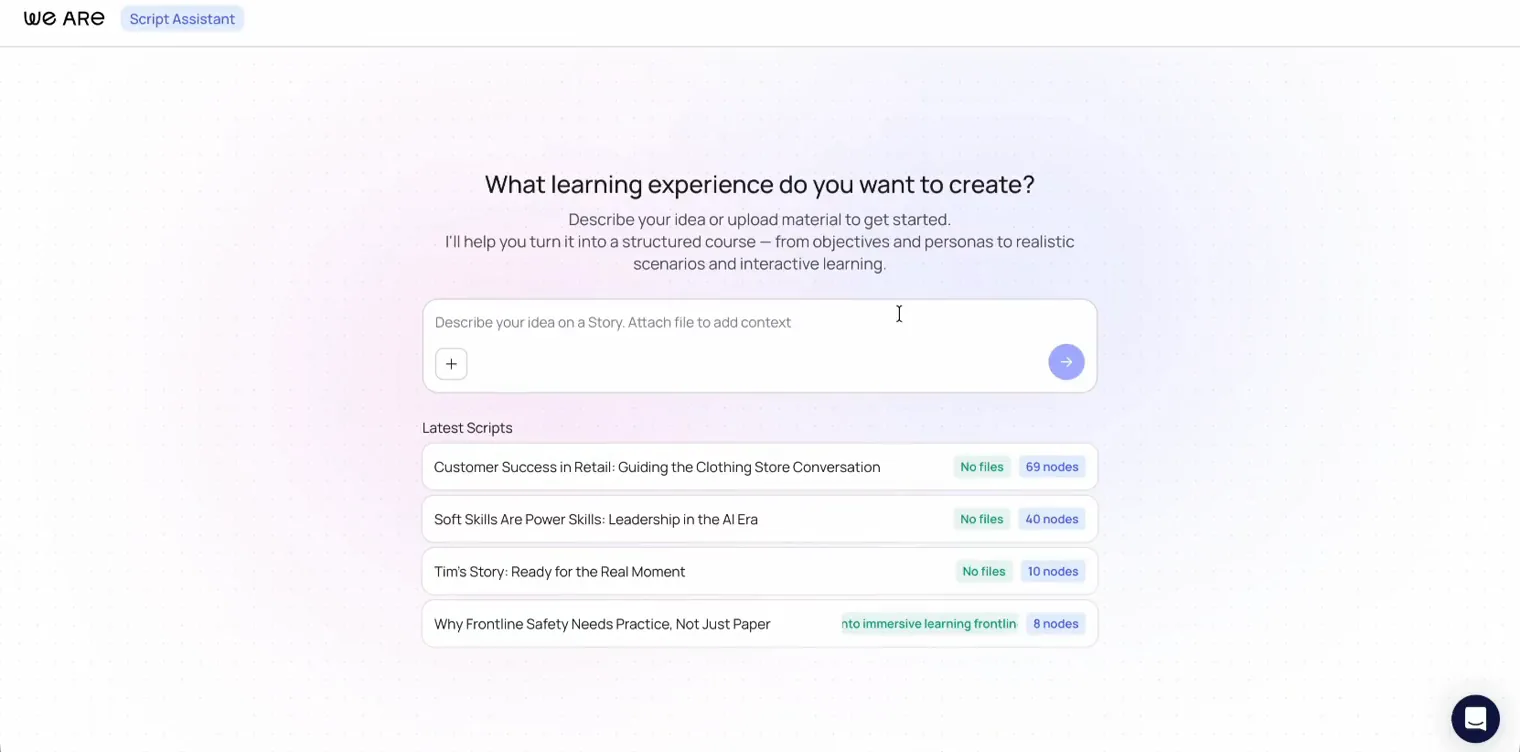
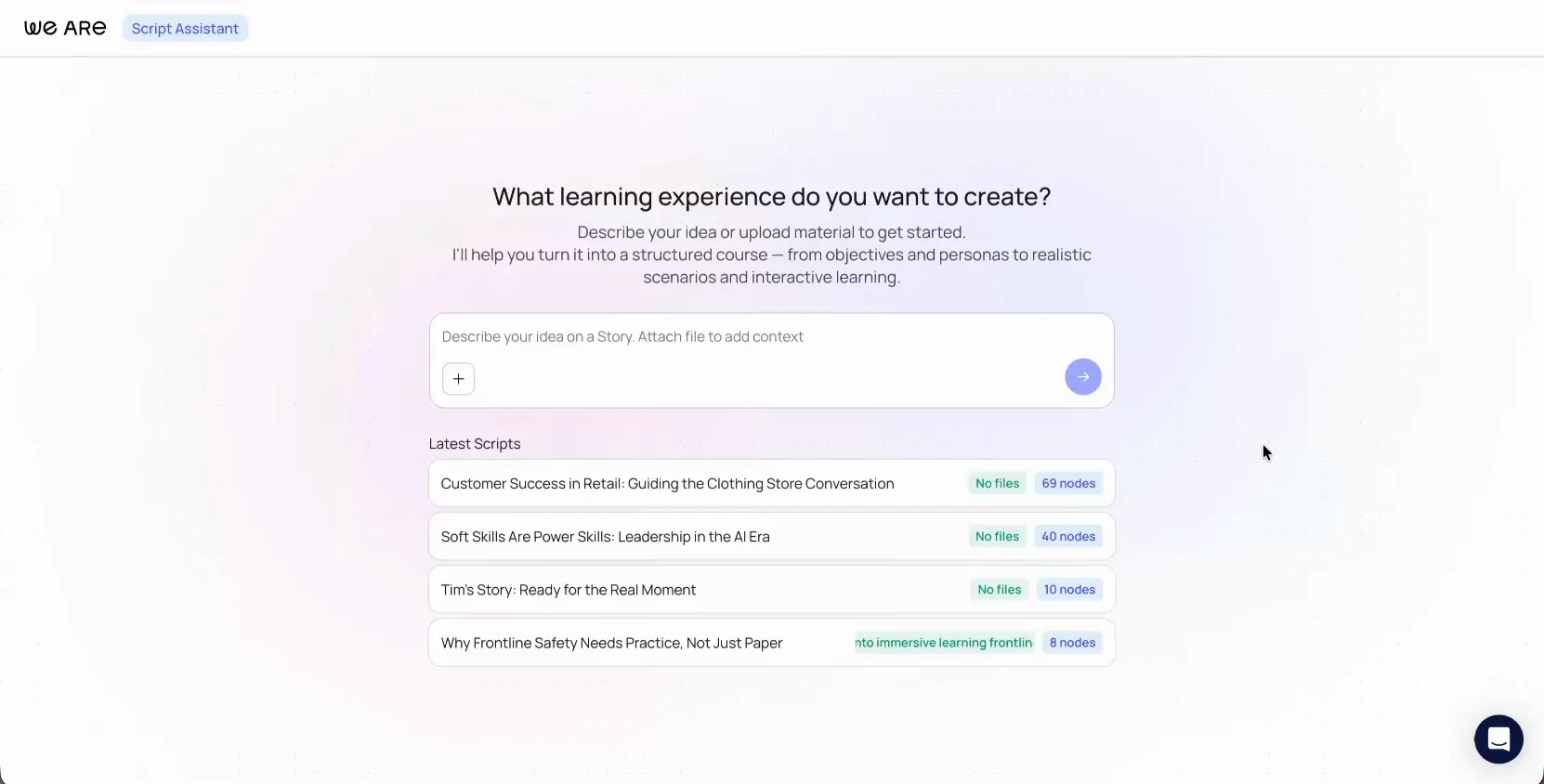
Upload the deck, PDF, SOP, or manual you already trust. Script Assistant asks who the learner is, what they must be able to do, how long you have, and how you want to teach it. Then it drafts a framework and a script you can rewrite, shorten, or throw out.
Upload the deck, PDF, SOP, or manual you already trust. Script Assistant asks who the learner is, what they must be able to do, how long you have, and how you want to teach it. Then it drafts a framework and a script you can rewrite, shorten, or throw out.
Generate the Story, then edit every scene as you want.

Upload your deck and turn it into an interactive Story. You stay in control of every scene.
Upload your deck and turn it into an interactive Story. You stay in control of every scene.

Built on We Are
“Thanks to the Script Assistant in We Are. I was able to create a complete eLearning course in just a few hours. The content generated was of high quality and practical value… all of this saved me several days (maybe even weeks) of work.”

Eva Vanoirbeek
Talent Officer at Carrefour
A Carrefour customer story
“Thanks to the Script Assistant in We Are. I was able to create a complete eLearning course in just a few hours. The content generated was of high quality and practical value… all of this saved me several days (maybe even weeks) of work.”
Eva Vanoirbeek
Talent Officer at Carrefour
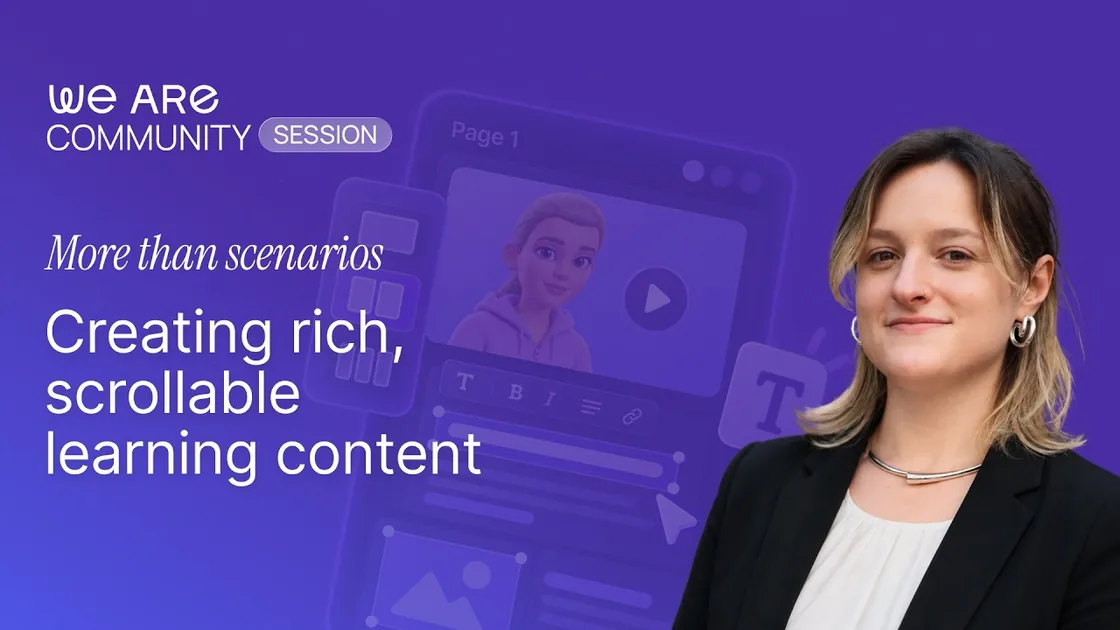
Bring deep explanations to life on a single scrollable page by mixing text, media, interactive buttons, and eye-catching callouts. It gives you total design flexibility to make your courses more emotionally engaging and immersive.

Bring deep explanations to life on a single scrollable page by mixing text, media, interactive buttons, and eye-catching callouts. It gives you total design flexibility to make your courses more emotionally engaging and immersive.
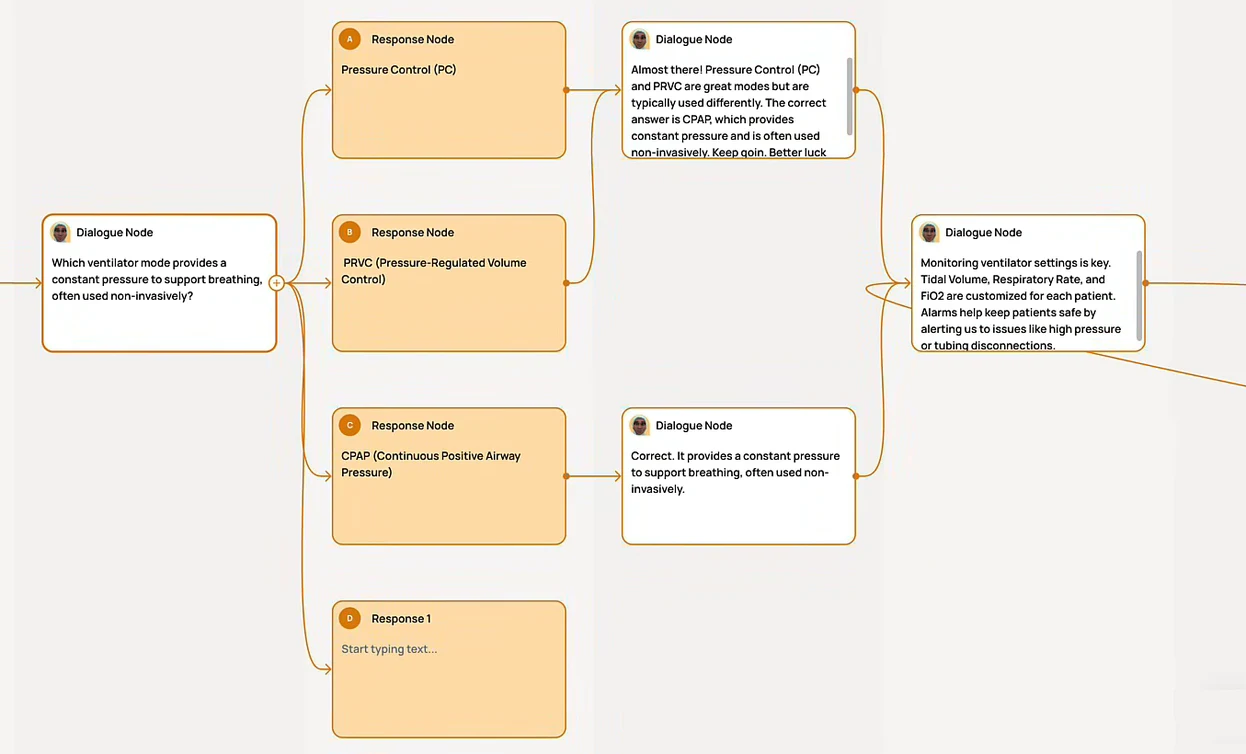
Build “choose-your-own-adventure” scenarios on a completely visual node map with zero complex triggers or custom code. Map out multiple choices where characters dynamically react using expressive 3D body language and vocal tracking. Support both classic traditional click-to-select routes and AI-driven conversational tracks that analyze natural speech and text intent on the fly.

Build “choose-your-own-adventure” scenarios on a completely visual node map with zero complex triggers or custom code. Map out multiple choices where characters dynamically react using expressive 3D body language and vocal tracking. Support both classic traditional click-to-select routes and AI-driven conversational tracks that analyze natural speech and text intent on the fly.
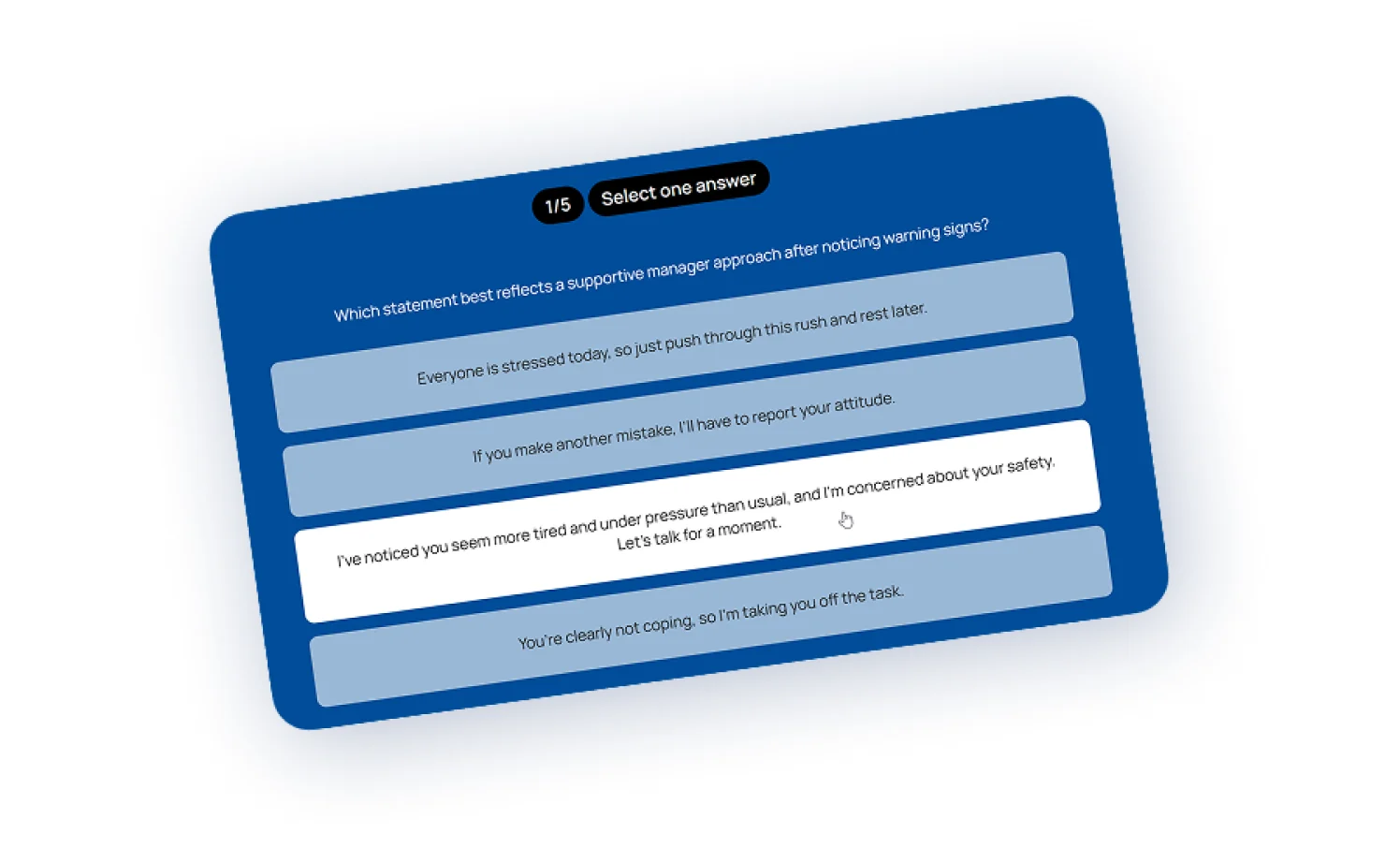
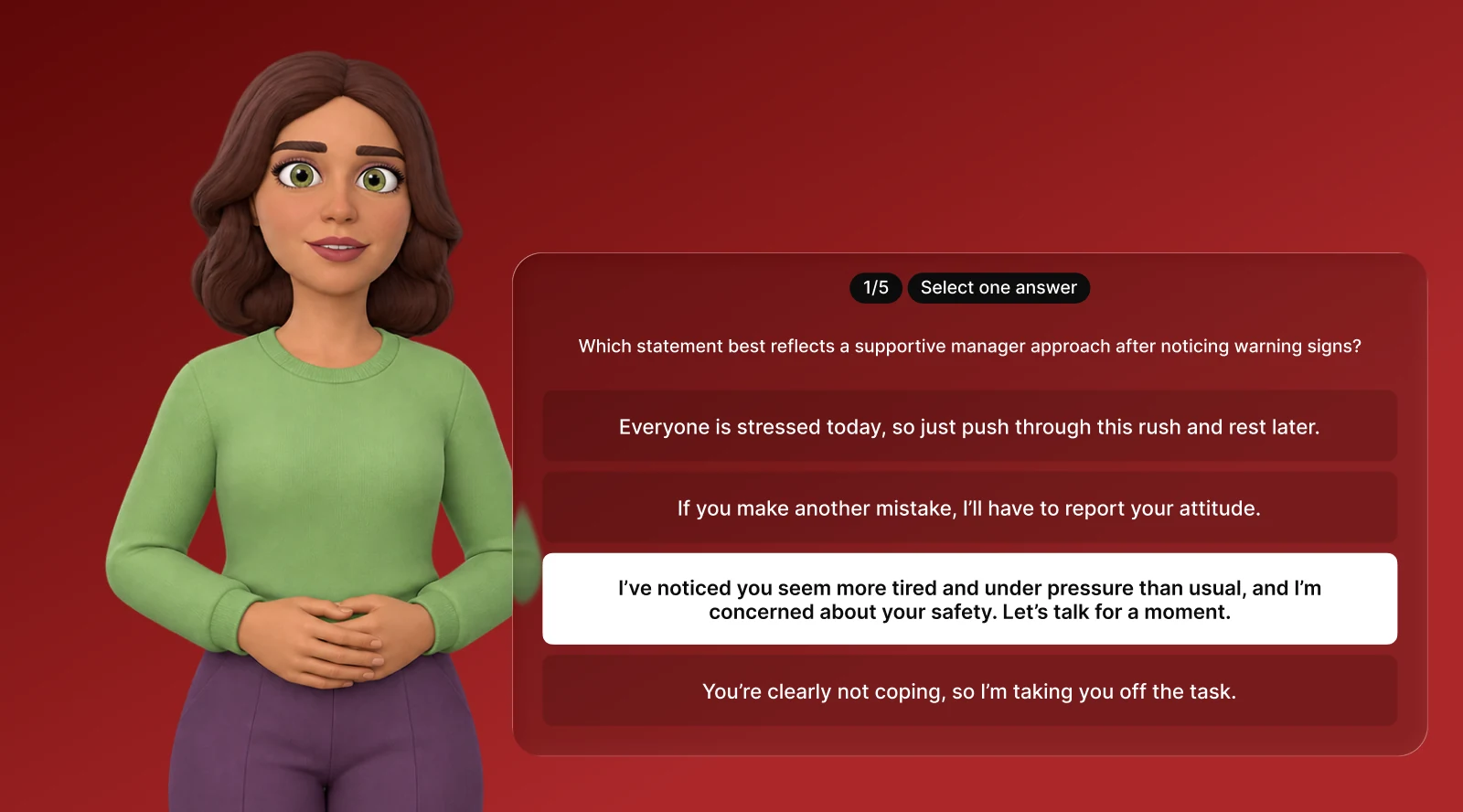
Combine classic multiple-choice, sorting sequences, or drag-and-drop matching pairs in a single node. Toggle on AI-generated feedback to provide personalized course corrections based on their choices, then automatically route learners down pass or fail paths based on their final score.

Combine classic multiple-choice, sorting sequences, or drag-and-drop matching pairs in a single node. Toggle on AI-generated feedback to provide personalized course corrections based on their choices, then automatically route learners down pass or fail paths based on their final score.
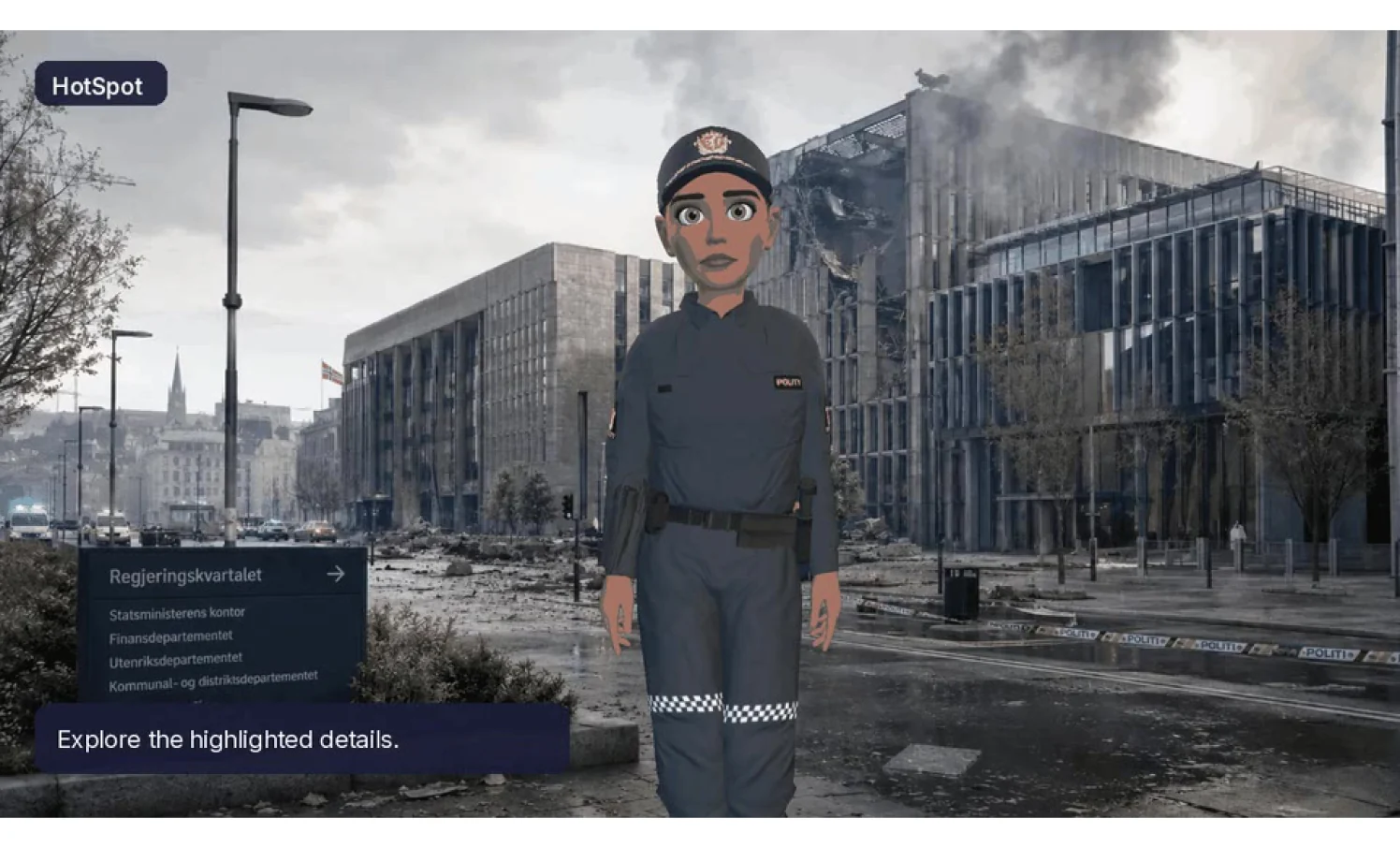
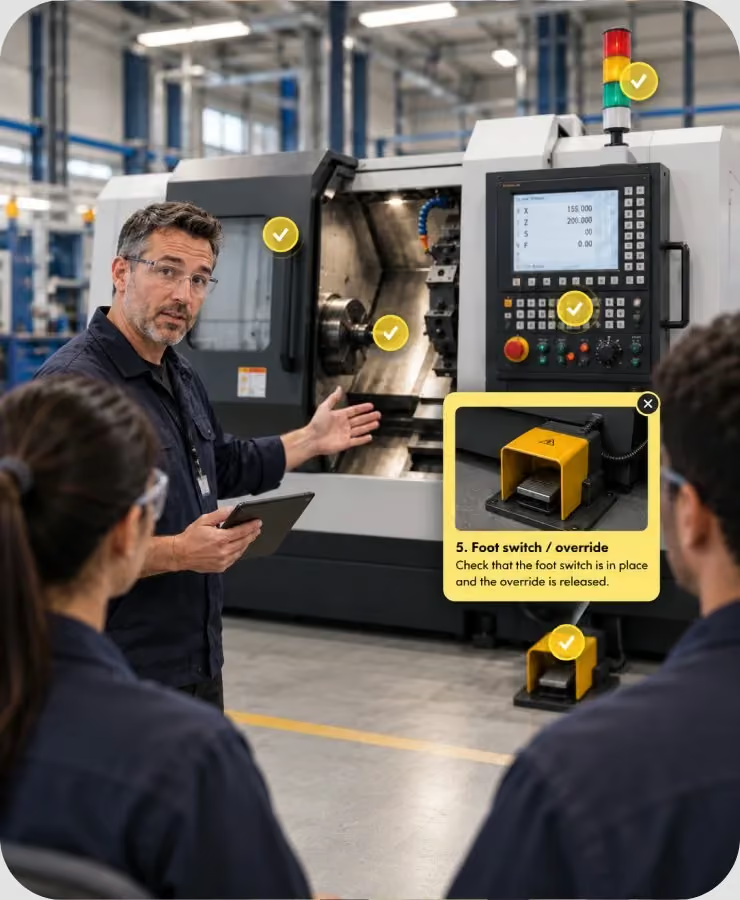
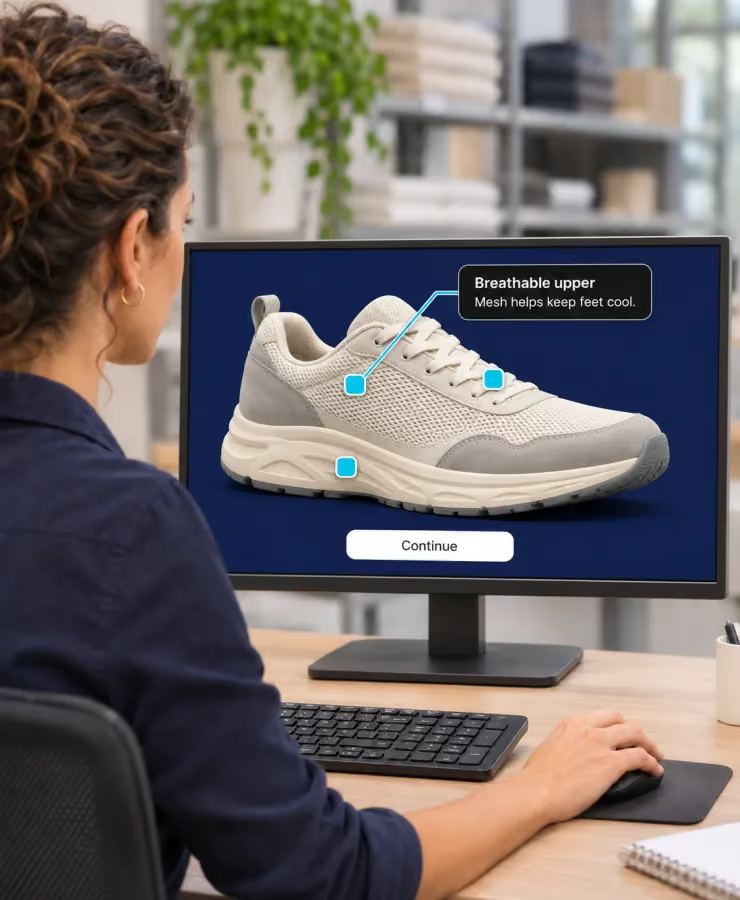
Turn diagrams, product interfaces, or environment photos into interactive layers with custom shapes, animated buttons, or completely invisible hotzones. Configure clicks to open media-rich info pop-ups or trigger instant jumps directly to external resources or secondary story nodes. Toggle completion checkmarks and gate progress until learners uncover every hidden checkpoint.

Turn diagrams, product interfaces, or environment photos into interactive layers with custom shapes, animated buttons, or completely invisible hotzones. Configure clicks to open media-rich info pop-ups or trigger instant jumps directly to external resources or secondary story nodes. Toggle completion checkmarks and gate progress until learners uncover every hidden checkpoint.
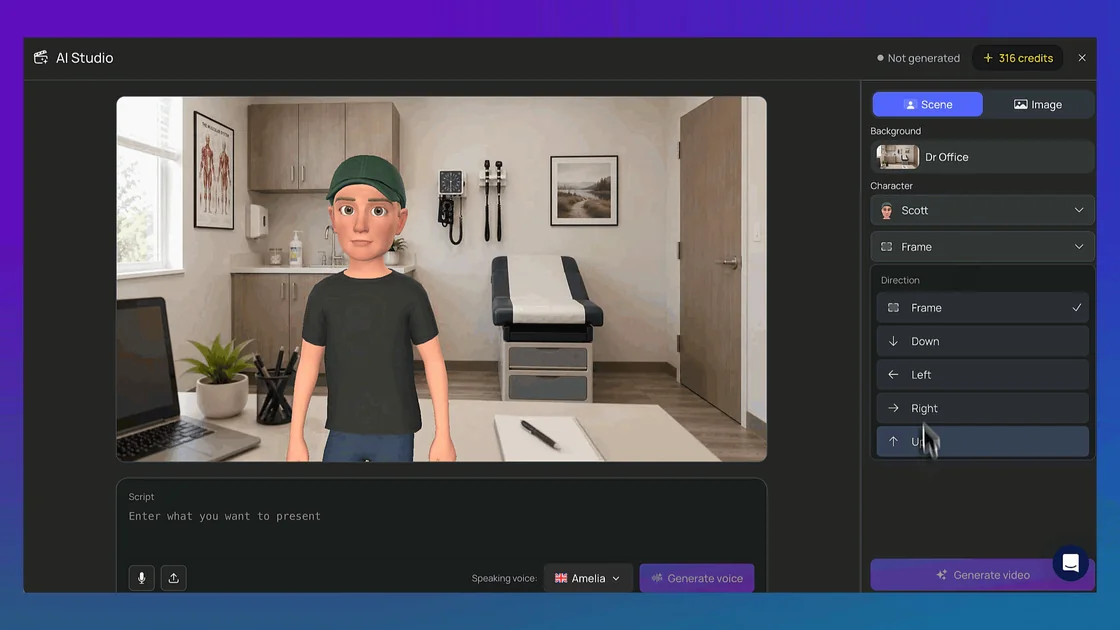
Spin up high-quality talking presenter clips inside our built-in AI Studio. Animate anything with a text script. Choose a character, a scene layout, or upload a real photo, paste your copy, and let the AI build your presenter video. Assign realistic voice model styles across multiple languages, let our background queue render the video while you keep building, and deploy the finished video block directly into a Poster Node.

Spin up high-quality talking presenter clips inside our built-in AI Studio. Animate anything with a text script. Choose a character, a scene layout, or upload a real photo, paste your copy, and let the AI build your presenter video. Assign realistic voice model styles across multiple languages, let our background queue render the video while you keep building, and deploy the finished video block directly into a Poster Node.
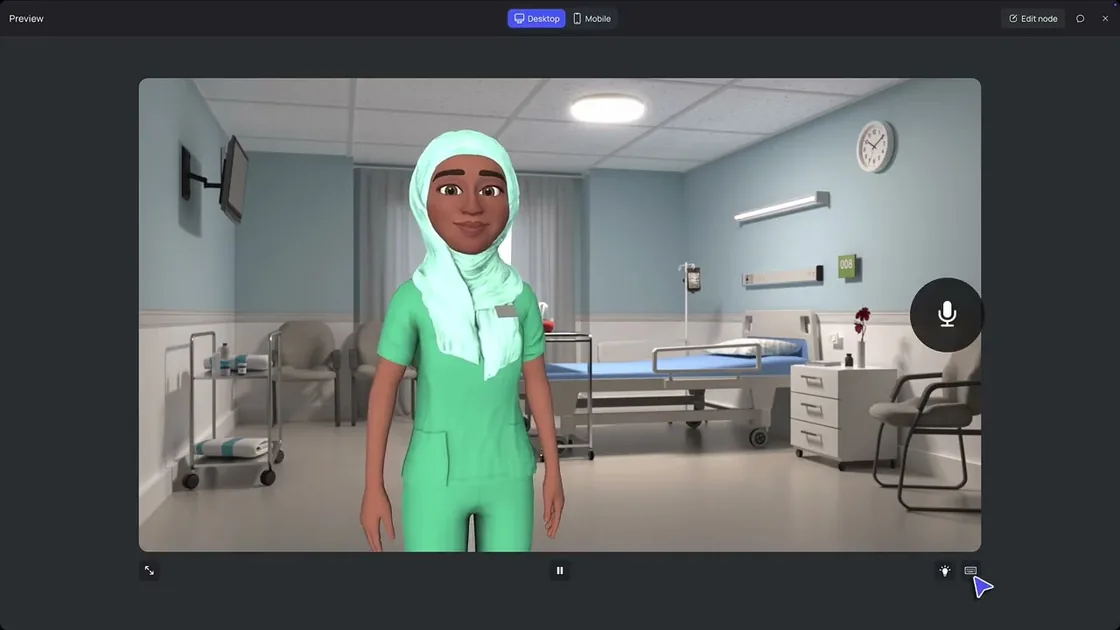
Break out of the box when standard options aren’t enough. Seamlessly embed custom sorting mini-games, dynamic calculators, or unique learning simulations that run flawlessly inside your project canvas. Best of all, no coding skills are required—you can generate these custom extensions in seconds using your favorite external AI assistant.

Break out of the box when standard options aren’t enough. Seamlessly embed custom sorting mini-games, dynamic calculators, or unique learning simulations that run flawlessly inside your project canvas. Best of all, no coding skills are required—you can generate these custom extensions in seconds using your favorite external AI assistant.
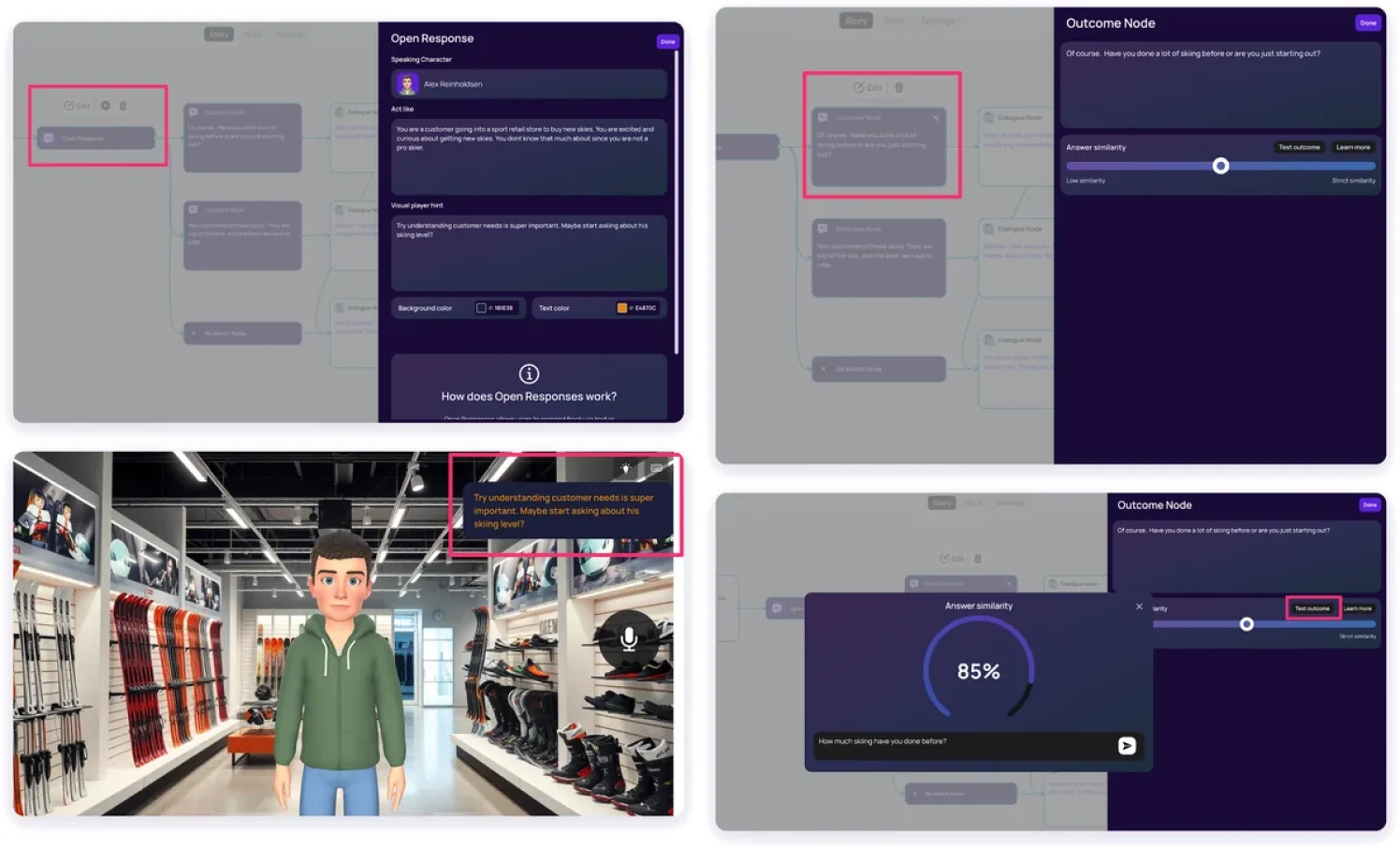
Move beyond rigid multiple-choice buttons. Let learners speak into their microphone or type completely free-form answers. The built-in AI safely analyzes their phrasing intent to route them to hidden outcome paths, utilizing smart “No Match” Loops for off-topic replies and dynamic AI Rephrasing to keep characters talking naturally.

Move beyond rigid multiple-choice buttons. Let learners speak into their microphone or type completely free-form answers. The built-in AI safely analyzes their phrasing intent to route them to hidden outcome paths, utilizing smart “No Match” Loops for off-topic replies and dynamic AI Rephrasing to keep characters talking naturally.

Collaboration and review
Invite SMEs, stakeholders, and teammates to review a Story by email or with a review link. They watch it and comment as they go, or right on the Node Map. No We Are license or Creator seat needed.
Invite by email or link
Comment while watching
Comment on the Node Map
All feedback in one Comments panel

Eva Vanoirbeek
Talent Officer at Carrefour
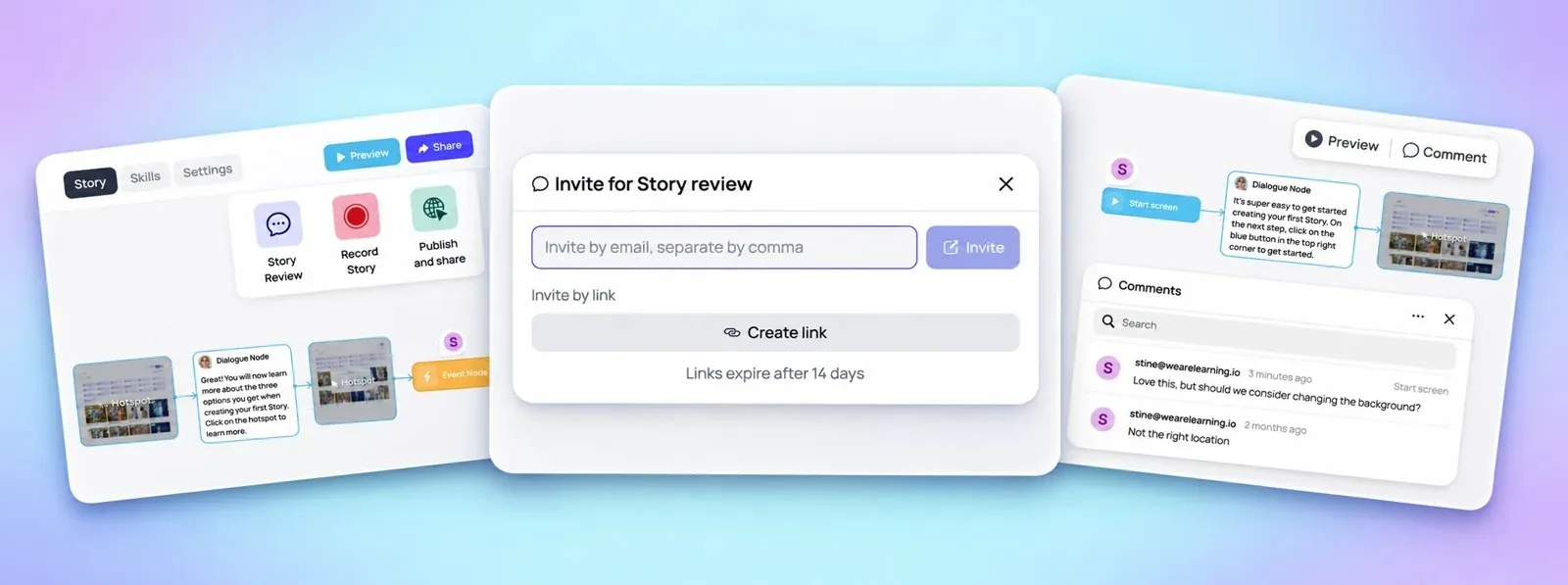
Invite SMEs, stakeholders, and teammates to review a Story by email or with a review link. They watch it and comment as they go, or right on the Node Map. No We Are license or Creator seat needed.
Eva Vanoirbeek
Talent Officer at Carrefour
For the LMS you already run.
When it should live on the intranet, in email, or on the floor.
So one Story can ship in the languages your people work in.
Your brand. Your people. Your Story.
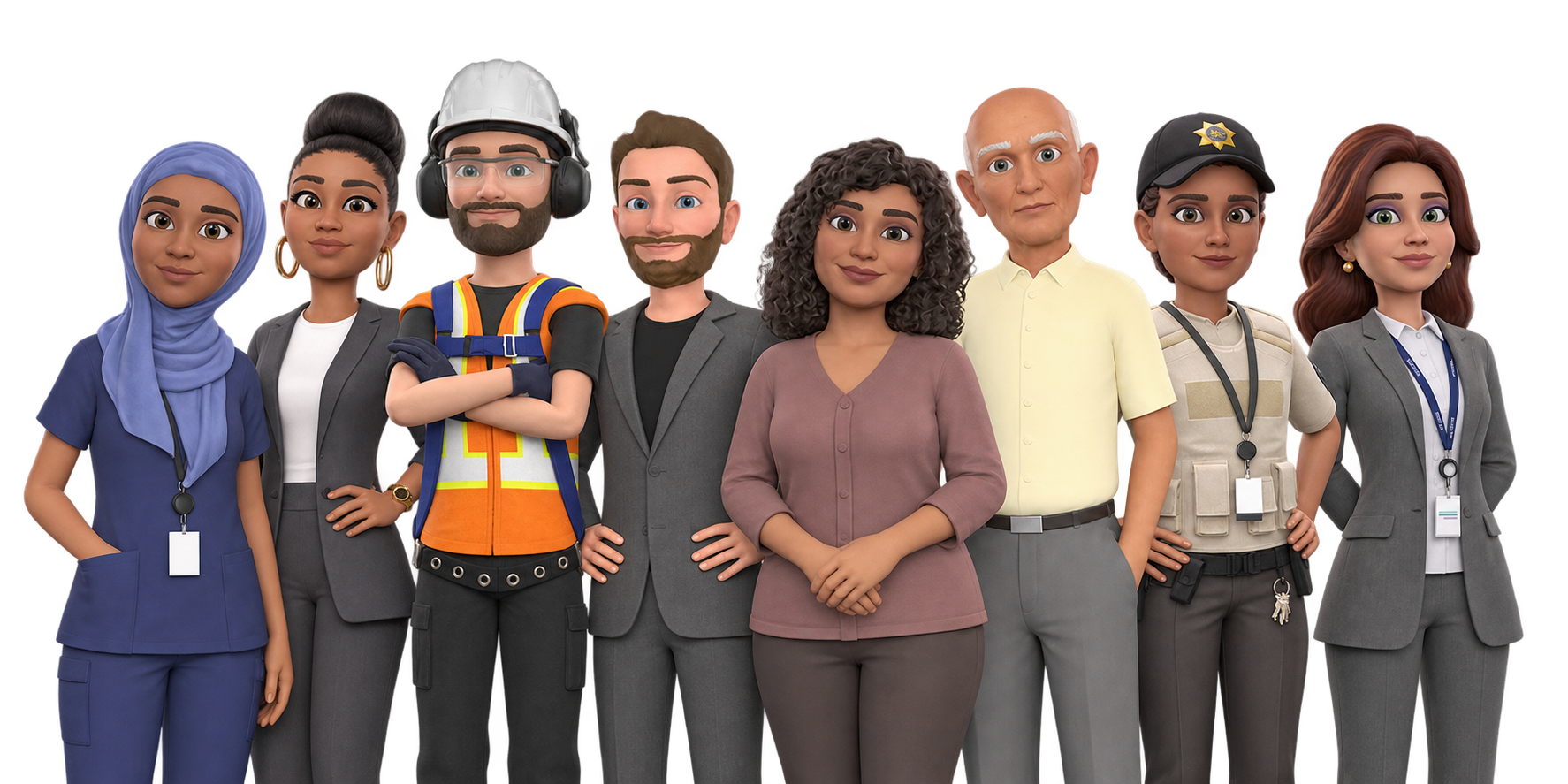
An open library of industry-ready 3D characters, created by professional artists, animators, and designers to replicate real-world store environments. Deploy realistic cashiers, floor managers, and delivery drivers into your next module.
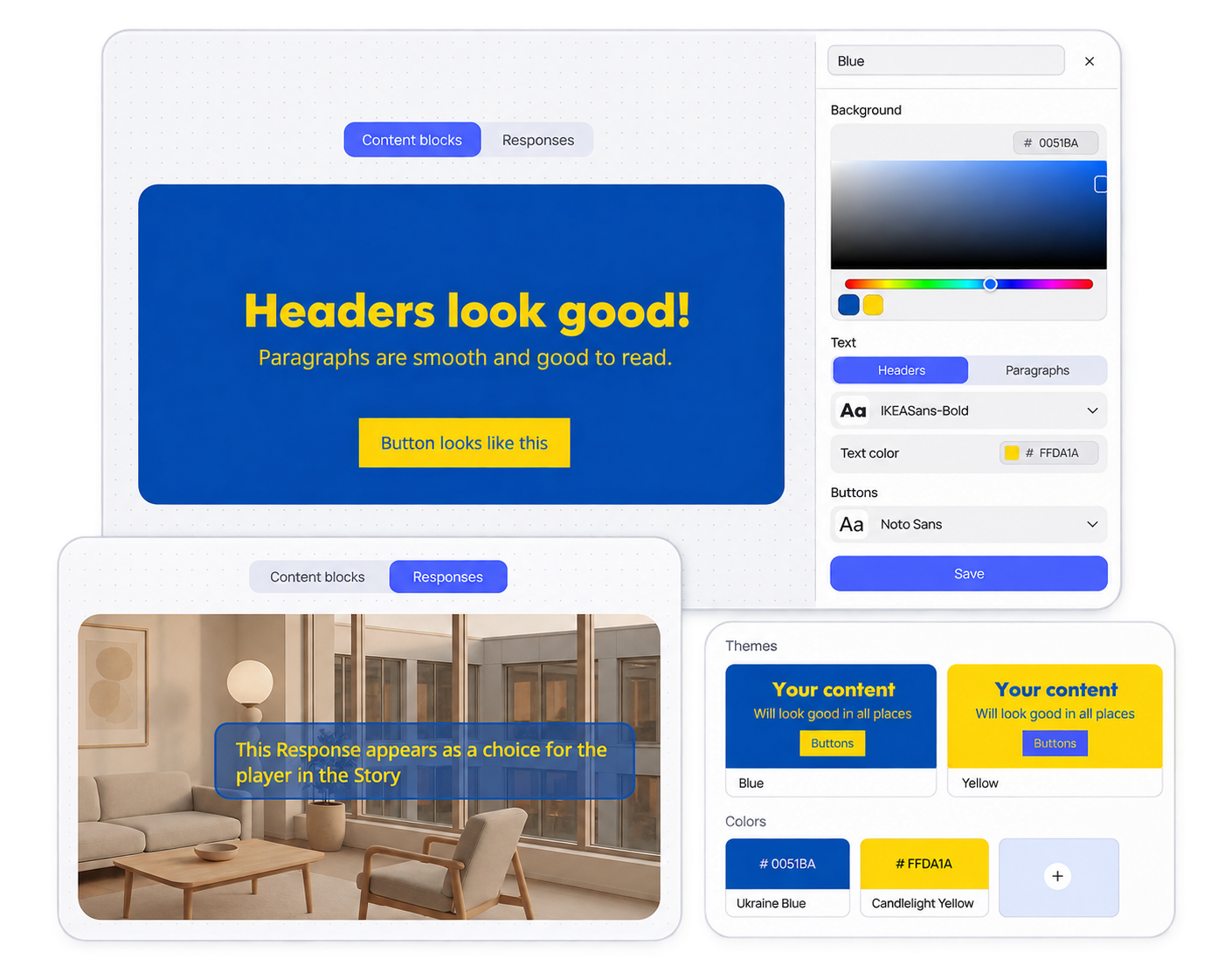
Upload your company fonts, custom color palettes, brand assets, and logos to keep your learning designs aligned with your corporate identity.
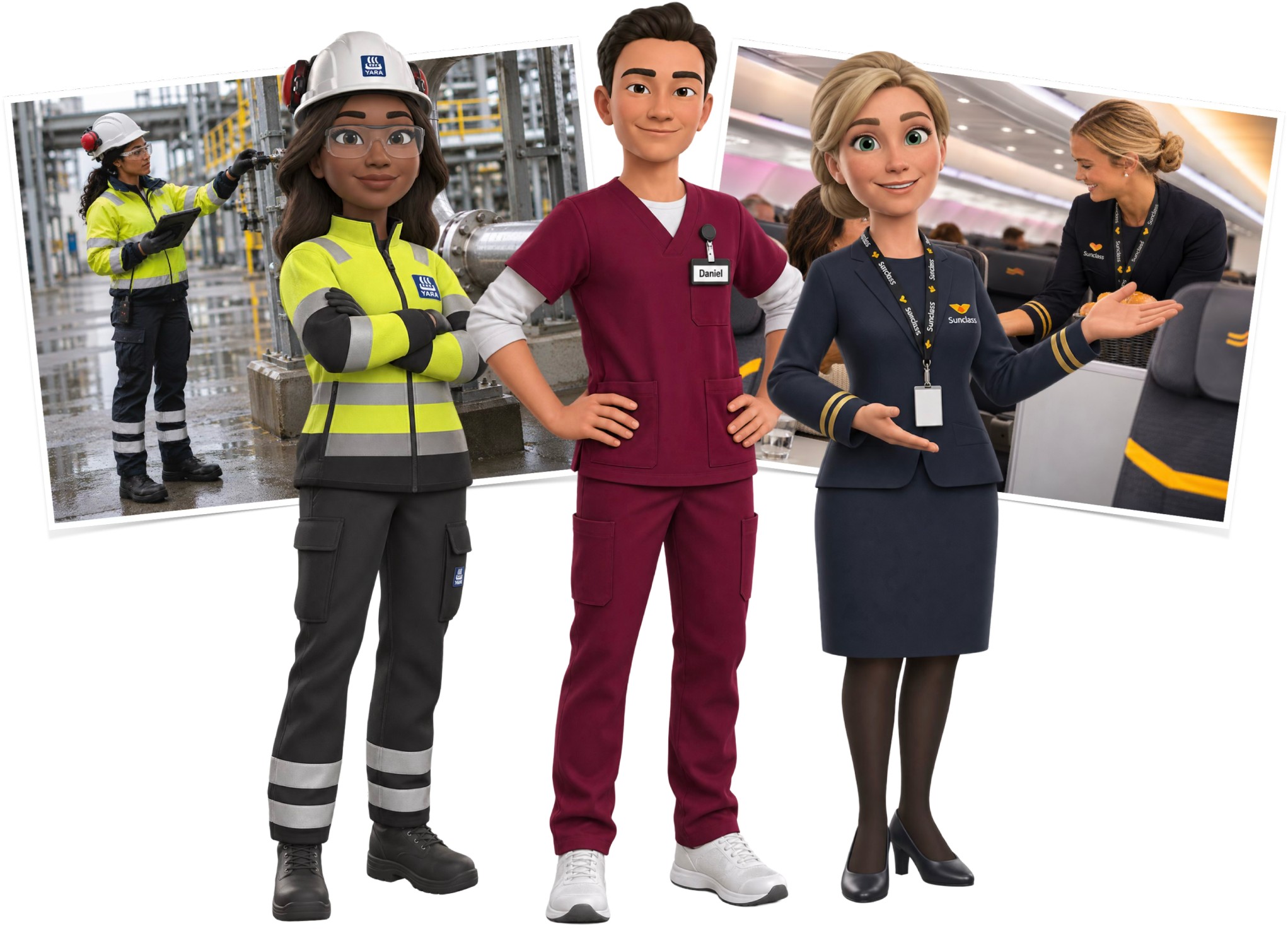
Tailored to your specific workforce, ensuring your avatars wear your exact corporate uniforms, display your logo, and stay 100% true to your brand identity.
Design immersive learning experiences solo
Custom pricing
Includes:
1 creator 🔒
5 3D Characters *
10 published Stories *
Unlimited Story downloads (mp4)
Unlimited learners
Dynamic SCORM
Interactivity (branching, hotspots, quizzes)
✦ AI Studio as an add-on
Create immersive training together, at scale
Custom pricing
Includes:
3 creators *
15 3D Characters *
30 published Stories *
Everything in Single Creator +
Comments
Prioritized support
+ Auto-translation as an add-on
Scale immersive training across regions and languages
Custom pricing
Includes custom number of:
Creators *
Published Stories *
3D Characters *
Everything in Small Business +
Auto-translation included
Brand kit
Team permissions
Dedicated Customer Success Manager
Add extras any time
We Are plans are flexible. They include a set number of creators, languages, published Stories, and Characters. Want more of these? Just add what you need on that same plan.
Note: Additional creators are not available on the Single Creator plan.
An AI course creator is a tool that uses AI to help you turn ideas and existing material into finished training. In We Are, Script Assistant drafts the course framework and script, then generates an interactive Story with 3D characters, branching scenarios, and quizzes. You can also build from scratch on the Node Map. AI handles the first draft; you shape every scene.
Yes. Upload the PPT, PDF, or DOC files you already trust as the starting point for an interactive course. Script Assistant uses them as context to draft your course framework and script, and you can also turn a slide deck directly into an immersive experience. You review and edit everything before and after the Story is generated.
Script Assistant is built on the principles of learning design. Before drafting anything, it asks who the learner is, what they must be able to do, how long you have, and how you want to teach it. It then drafts a course framework and a script around your answers, which you can rewrite, shorten, or throw out.
Yes. You set the audience, objective, length, and approach, and you edit the tone, facts, and sequence of the script before anything is built. Once the Story is generated, every scene stays editable on the Node Map, so you can move a scene, split a path, or fix a line without rebuilding the course.
No. Your content is not used to train AI models. The material you upload to Script Assistant is used to draft your course, and you stay in control of what gets built. If your IT or security team needs more detail on data handling, they can request We Are’s security and privacy documentation.
No. We Are handles the animation and production layer, so you can create interactive training without writing code or animating characters by hand. Choose ready-made 3D characters, write or generate dialogue, and connect branching paths on a visual Node Map. Start from a prompt, your existing files, a slide deck, or a blank canvas.
Script Assistant drafts an interactive course framework and script in minutes; total time depends on your course’s scope and how much you refine it. For example, Carrefour’s Eva Vanoirbeek created a complete eLearning course in just a few hours and turned a four-hour, slide-heavy onboarding into a 45-minute practice session.
You can combine rich text pages, smart quizzes, branching scenarios, interactive hotspots, presenter videos made in AI Studio, open responses where learners speak or type their answers, and custom interactions such as mini-games or calculators. Mix them in one Story to match each learning objective, from explaining information to practicing real conversations.
Yes. The We Are brand kit lets you apply your company fonts, colors, logos, and brand assets to every course. Choose from a library of ready-made 3D characters, or have custom avatars created that wear your corporate uniforms and display your logo, so learners recognize their own workplace in the training.
Invite SMEs, stakeholders, and teammates to review a Story by email or with a review link. Reviewers watch the Story and comment as they go, or directly on the Node Map, without needing a We Are license or Creator seat. All feedback lands in one Comments panel, and review links expire after 14 days.
Yes. Export Stories as SCORM or xAPI packages for delivery through a compatible learning management system, so interactive courses fit into your existing training setup. You can also share a Story with a direct link, embed it on your intranet or another webpage, or use a QR code when training happens on the floor.
Yes. Built-in translation lets you publish the same Story in multiple languages, so one course can reach every team in the language they work in. Your team can review the translations and adapt examples or policies for local needs before sharing the course with learners.
Create learning that is anything but boring
Roleplay
Branching scenarios
3D characters
Upload PPT, PDF, DOCs
Quizzes
Hotspots
SOC2
Multiple languages
Branding and customization
AI video
SCORM
LMS
URL
Embed
Image to video
Talking avatars
Prompt AI assistant
Write your script