Product updates
We Are deploying new features and improvements continuously. Here's an overview of our latest product updates.
Animate with even greater speed and precision
Now you have rotating, scaling, and zooming options in the Timeline Editor. You don't need to create an Event for every change you want to make to your character's position and rotation. This opens up new storytelling possibilities — and makes animating in We Are even easier and faster than it was. ⚡️

Know when others are editing a Story
Having many content creators working on Stories together can be stressful. We have now ensured no one can overwrite your hard work while you are working on it.

Turn any presentation into an immersive animated Story in seconds
Convert your slides from Powerpoint, Google Slides, or KeyNote into truly engaging learning content, in just a few clicks! This is still in beta phase, but test it out today. It feels almost like magic!

New and improved mobile experience
We have redesigned the We Are experience for all mobile users — now with increased readability and UX for those smaller screens! Download the app from Google Play or App Store to check it out now!
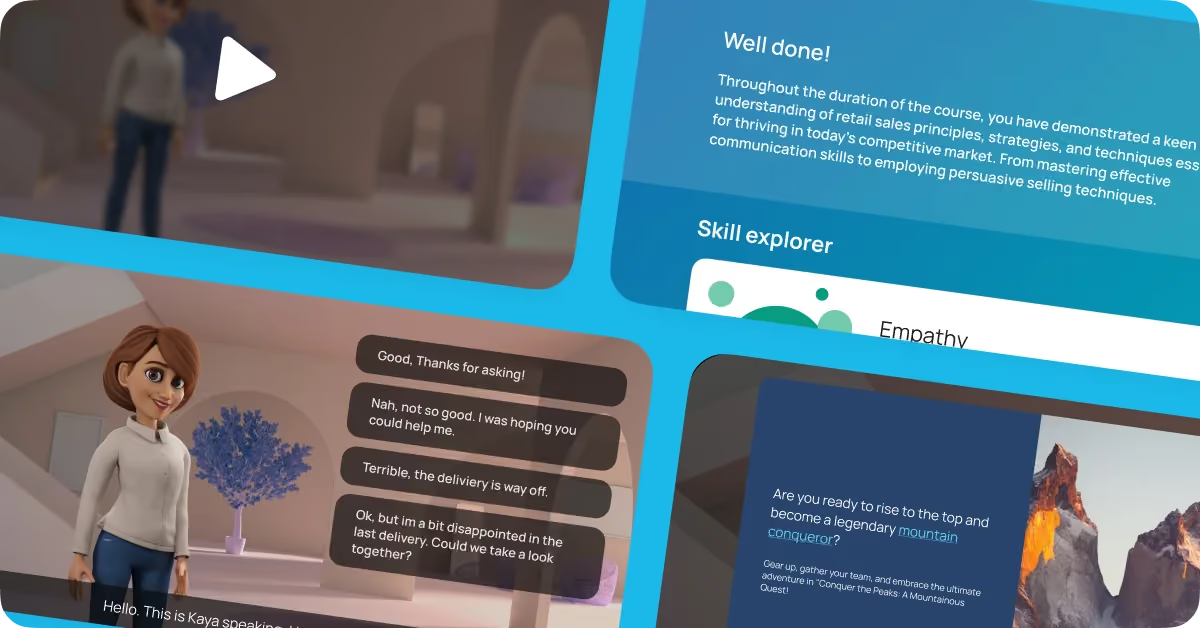
Count on support for anyone, on any device
Whether you're using a laptop or a mobile device, an iPhone or an Android, Chrome or Safari, we've got you covered! We've mapped out all the possible combinations to ensure that every user receives friendly feedback and assistance with any tech hurdles they encounter to play their Story.

Save time with leveled-up performance and loading
We know no one likes to wait. By reducing the download size of a Story, we've made accessing content quicker than before, and we are just getting started. Going forward, there will be several noticeable loading speed improvements for Players and Creators alike.

Lock a Story to prevent changes
Protect your masterpiece! Now you can add a lock to your own Stories to prevent unwanted changes. Once the lock is on, other creators won’t be able to edit it.

Save your Story as a video file (mp4)
It’s now super easy to download and automatically save your Story as a video! To do so, simply finish recording your masterpiece, and then click “Download”.
We call these downloadable videos: Linear Stories. What can you use them for? From explainer videos, to editorial content, training content, and even social media, the uses for Linear Stories are many.
Anywhere you can upload a video file, you can use a We Are Story. What are you waiting for? Create and download your first video!
Check out improved captions
You might notice a difference in our captions — they're now transparent, giving them a sleeker look and we’ve improved animation timing. And to top it off, we've synced the animation speed with the voice length for a seamless experience.

Embed your Stories anywhere
Sharing your Stories has never been easier! Now, our Player links support automatic embedding (known as oEmbed). When you paste the player link into a website, blog, or LMS (learning system), it seamlessly fits into your existing content.
For those with an Enterprise plan, you can also integrate custom tracking for learner completion. Simply add API credentials from your learning system, and you're good to go.

We Are delving into the details
It's the sum of all the small things that truly matter, and we understand that great user experience lies in the details.
With valuable input from our fantastic content creators, we've been diligently working through a list of minor improvements and feature requests to ensure a smoother user experience. For this release, we dedicated our efforts to addressing these finer details, resulting in a comprehensive update with over 20 improvements.
Here are some highlights from this update:
- Uploaded content now prioritized at the top of the list
- Improved mobile navigation for Play links, facilitating app downloads
- Enhanced visibility with persistent color selector outline
- Updated look and functionality of Skill Explorer, with automatic input saving
- Added loading percentage counter for 3D environments
- Improved handling of character limit in Cast feature
- Restriction on placing Poster Nodes between dialogue and multiple response nodes
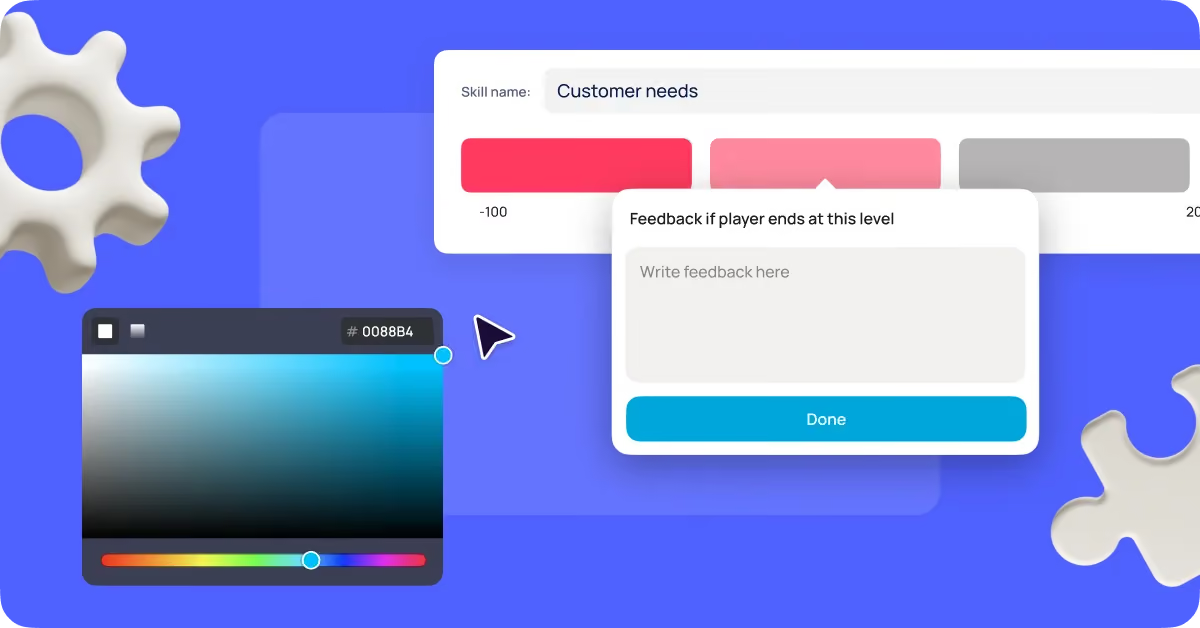
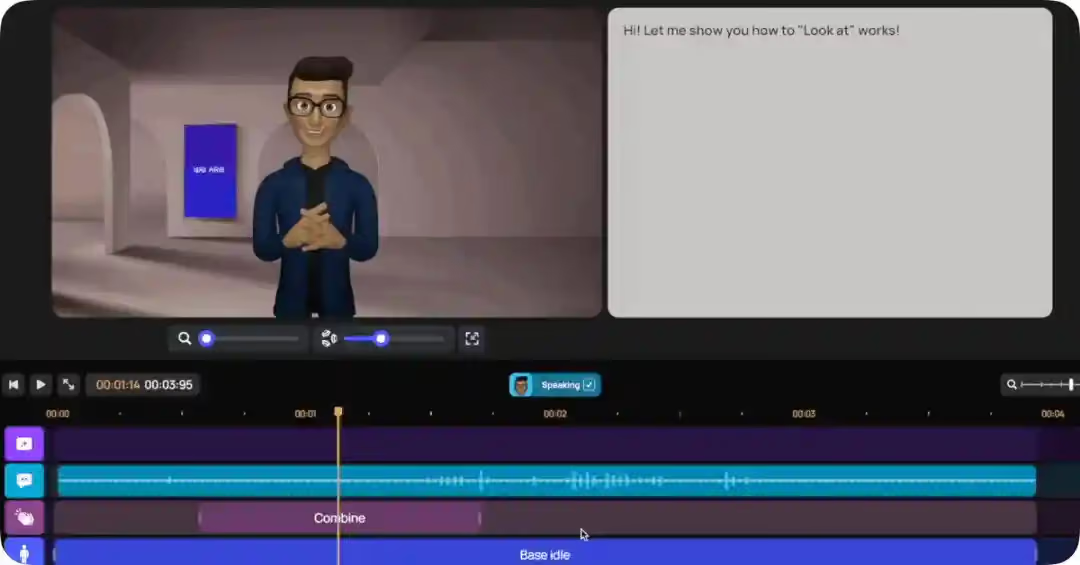
Tailor characters with perfect, precise head movements
Our new “Look at” slider gives you full control over how much your character moves their head — up, down, right, or left. Add that perfect touch to underscore attitude by animating your characters with detailed movements.
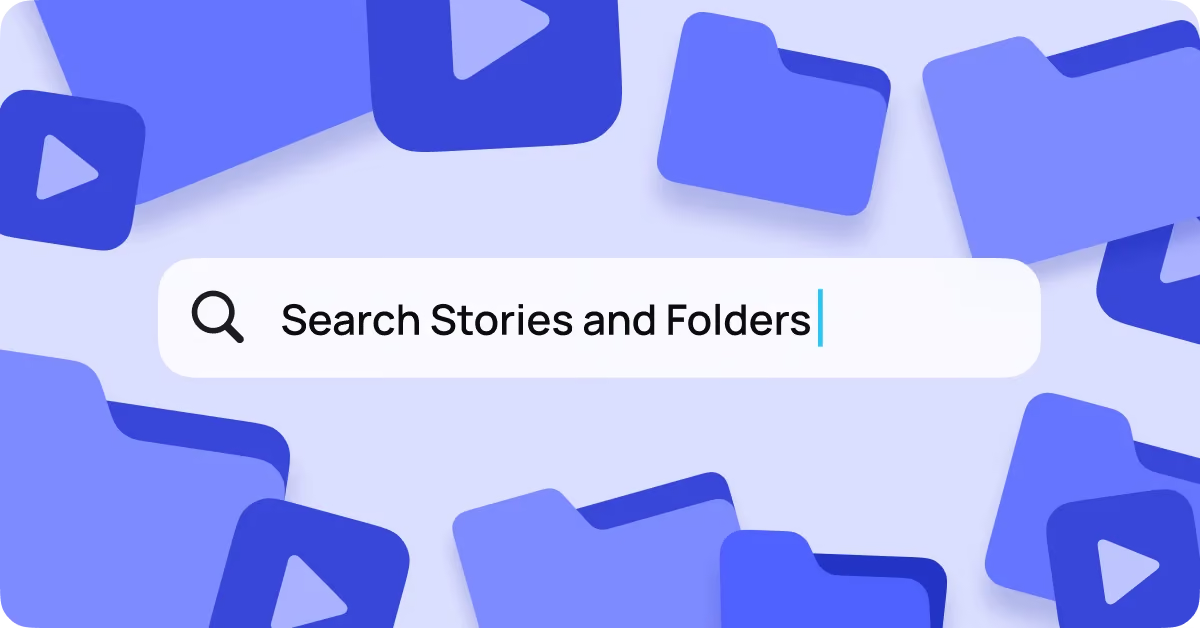
Organize with ease: Introducing Search, Folders and Shortcuts
Our content creators are crafting stories at lightning speed, and we've got just what you need to keep things streamlined.
With the introduction of Search, Folders and Shortcuts like “Created by” and “Date Created”, you can easily organize and access your stories. Improve your workflow and bring structure to your storytelling process.
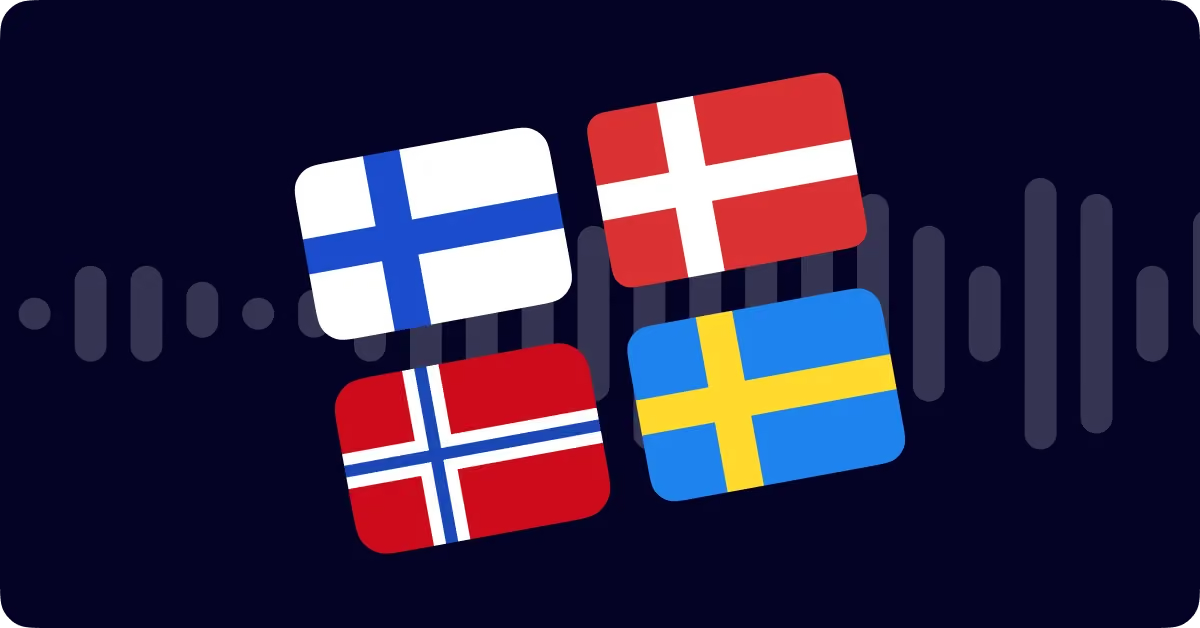
Say hello to Ryan, Andrew, and Bryan
Introducing our latest AI-powered voices ready to elevate your Stories! These three gentlemen speak multiple languages, now offering Norwegian Bokmål, Swedish, Danish, and Finnish to bring your content to life.
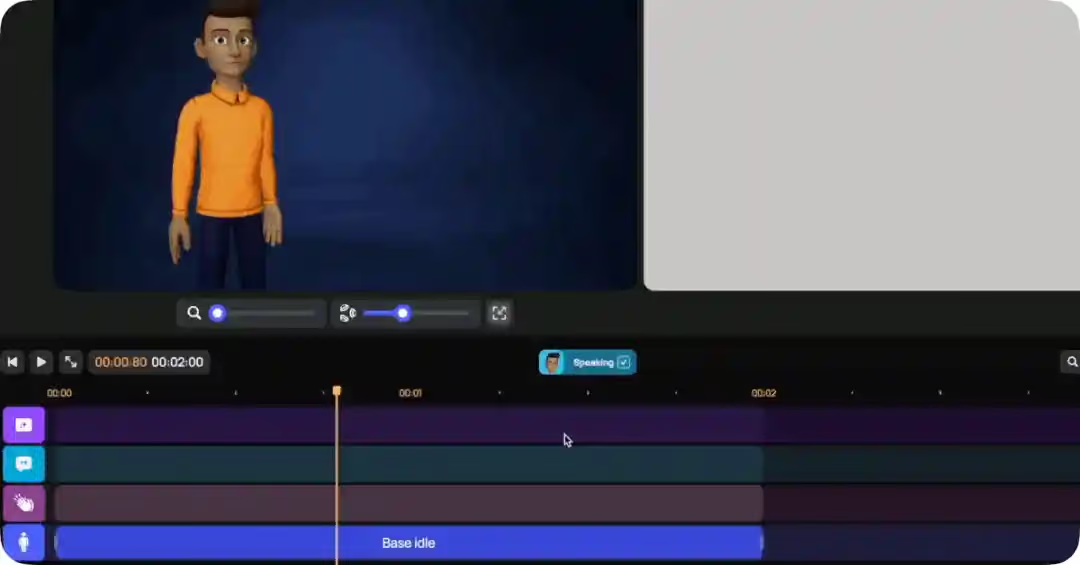
Immerse your audience in visual storytelling
Introducing the Media Timeline! Blend visuals, illustrations, photos, and GIFs seamlessly into your Stories. Unlock new possibilities for creating stunning explainer videos, social media content, and engaging learning videos.
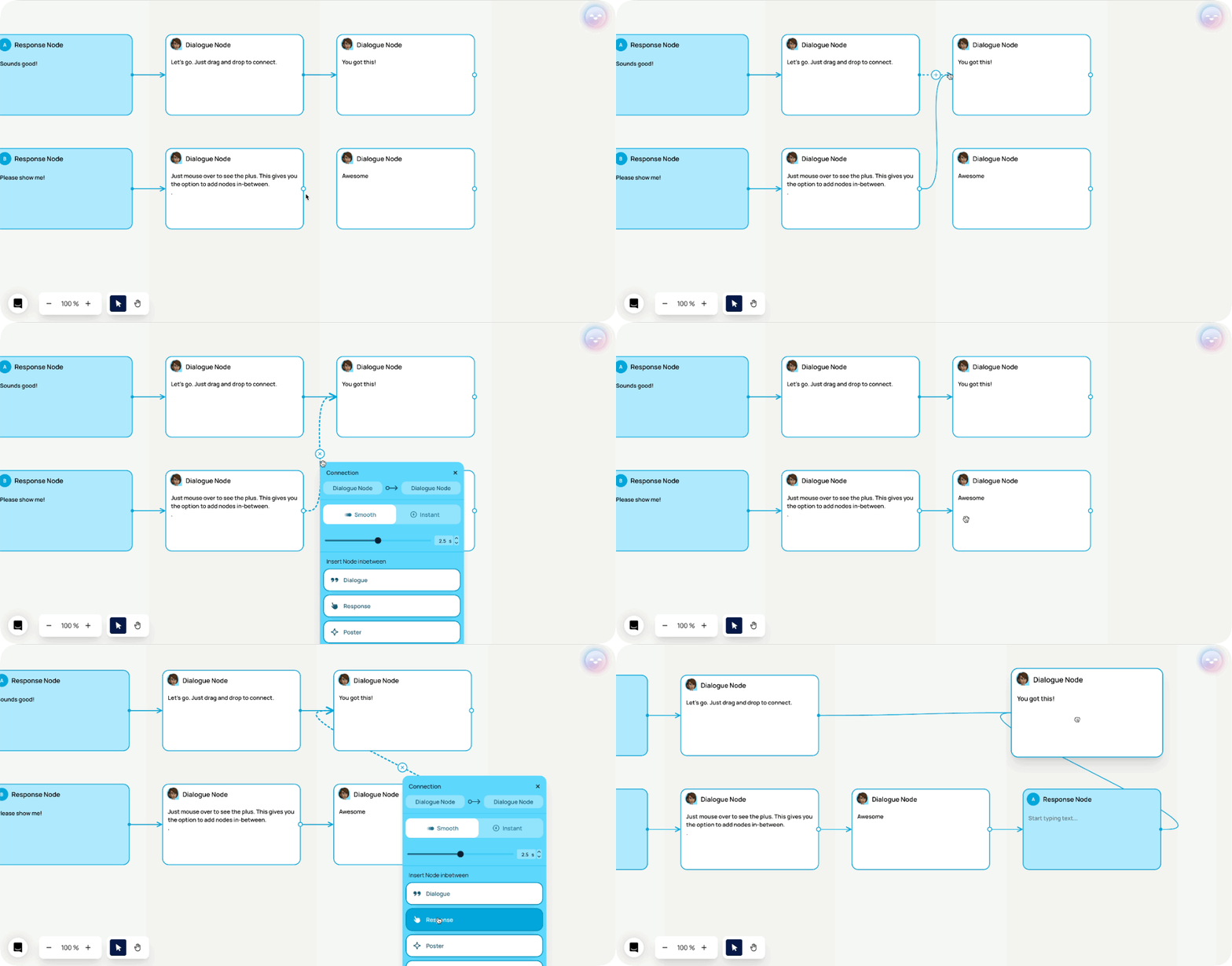
Notice sleeker connector lines for easy breezy navigation
Navigating your Story's node map just got even smoother! Enjoy a bigger hit area and a sleek animation that indicates line direction on mouseover. Stay in control and keep your storytelling effortlessly on track!
Experience storytelling like never before with the new AI Wizard from Aico
Aico has undergone magical improvements, making it better than ever. With Aico’s new AI Wizard, you can easily craft your next story in only seconds. Simply outline your Story's theme, introduce your preferred characters and locations, select your language, and let Aico take care of the rest.
Not only will Aico generate the script for you, but it will also create the node map and add voice, body language, gestures, and facial expressions into your Story.
Create a polished, ready-to-go story in the blink of an eye. Log in now and experience it firsthand!

Text to speech
Looking to give your characters a voice and personality of their own? Explore our Text to Speech enhancements and let your creativity flow.
With our new controls, you can not only increase the speed, but also adjust the pitch of your characters' voices. Want your character to sound excited or calm? It's all at your fingertips.
But that's not all! Now, you can take it a step further. Express emotions with your characters' voices by simply selecting a speaking style. Whether it's a cheerful tone or a more serious one, you have the power to infuse your characters with emotions.
Please note that the speaking style feature is only available in select languages.

Improve your script writing
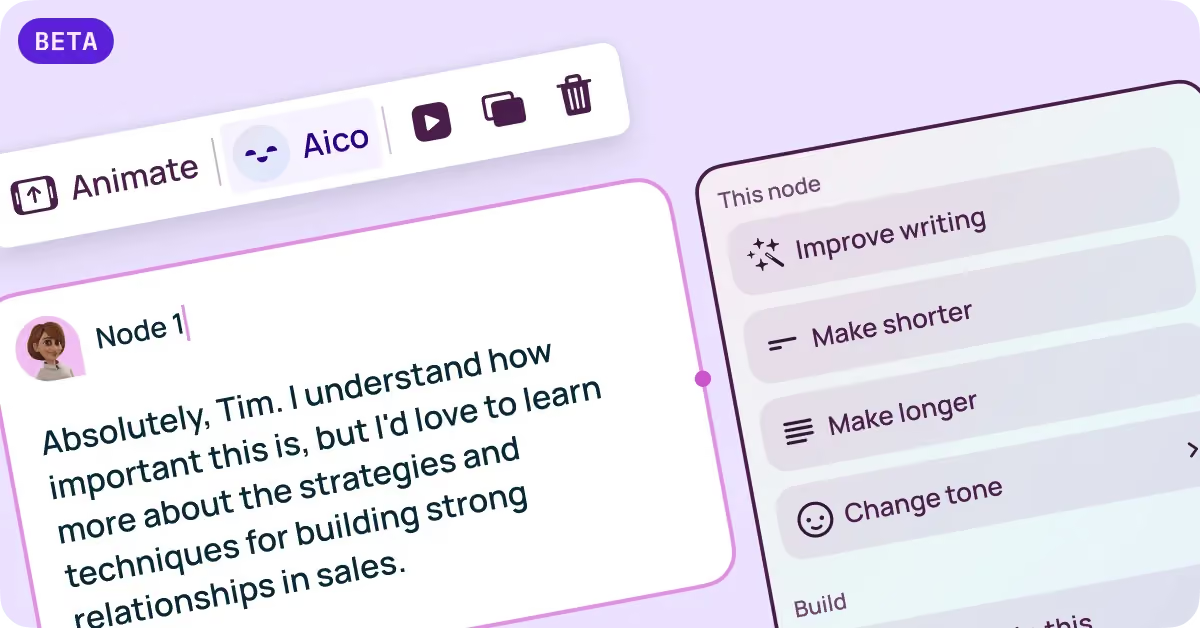
Let Aico, your AI-powered helper, assist you in enhancing your scriptwriting. Now, Aico can rewrite your nodes in seconds with just three clicks. You have to experience it for yourself!
Poster 2.0 is here
Poster Node just got so much better. With the new refreshed Poster Node you can add images, styles, colors and buttons to your posters!

Build with
Created by learning designers for learning designers.
Create learning that is anything but boring
Roleplay
Branching scenarios
3D characters
Upload PPT, PDF, DOCs
Quizzes
Hotspots
SOC2
Multiple languages
Branding and customization
AI video
SCORM
LMS
URL
Embed
Image to video
Talking avatars
Prompt AI assistant
Write your script